



















However, you could be forgiven for wondering what else is new when looking at the S10 Ultra, because at first glance it’s identical to its predecessor. The screen is the same size, measuring 14.6in across the diagonal. The design aesthetic is the same, too.

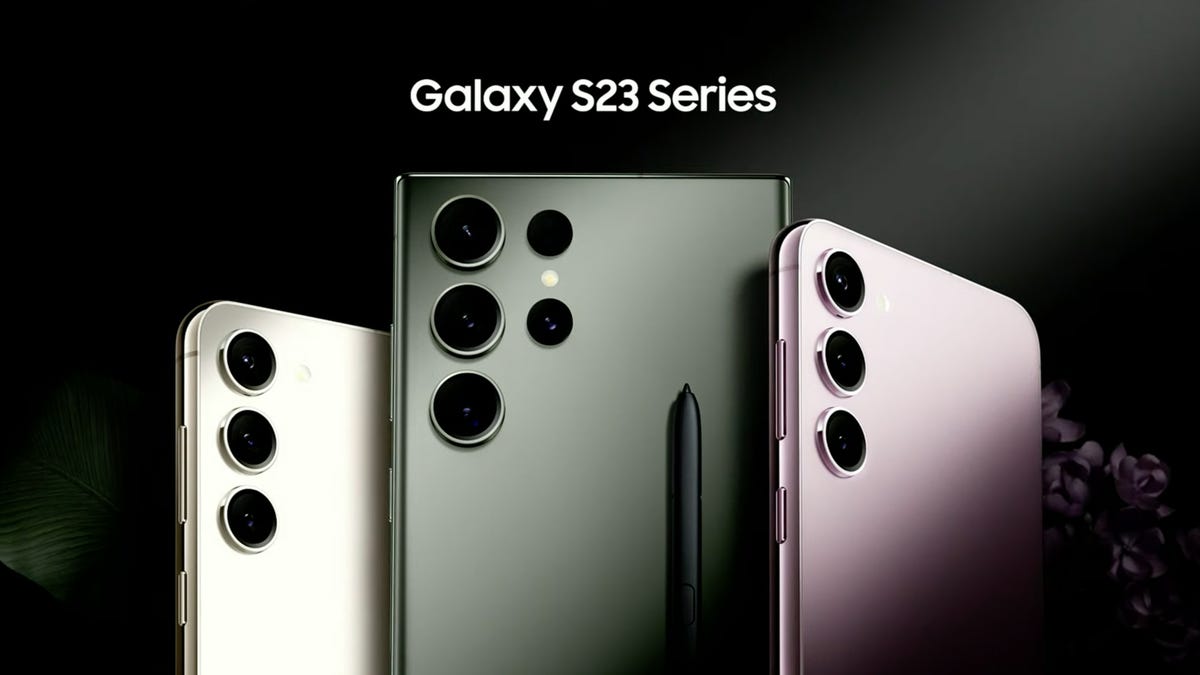
It’s ultra-thin with rounded corners, flat edges and a flat-slab rear. Two cameras (13MP main and an 8MP ultrawide) poke out in the top right corner, a pair of video call cameras are hidden in the centre of the top long bezel (two 12MP cameras, one main and one ultrawide), and speaker grilles adorn each corner along the short edge.
As before, you get an S Pen stylus included in the box, an accessory Apple charges £129 extra for. And there are a couple of keyboard cases available to turn the tablet into a laptop replacement. That’s not something I would purchase this tablet primarily for – the DeX desktop environment is good and you can use it as an occasional laptop alternative, but it has plenty of shortcomings.
There are some changes, however. In a rather remarkable move, Samsung has slimmed the tablet down a fraction, from 5.5mm to 5.4mm and it’s 14g lighter at 718g. Neither of these “improvements” make a material difference to the way the tablet feels to hold. It remains remarkably stiff and sturdy – astonishingly so for a device that feels little more than a piece of thick cardboard in the hand – although I’d still want to pop it in a case out of sheer paranoia.

And although it’s still equipped with the same 14.6in Dynamic AMOLED 2x display as before, this is topped with Samsung’s new, anti-reflective technology; the same used on the Samsung Galaxy S24 smartphone range. With the two tablets side by side, this makes a fairly noticeable difference.
You can still see reflections in the new display – from overhead lighting, for instance – but the anti-reflective glass reduces the brightness and intensity of the reflection. Importantly, it does so without impacting the contrast of the image.
After the hardware updates, of course, come the AI updates. In a move that will surprise no one, the Tab S10 Ultra is stuffed with a selection of AI features inherited from its pocket-sized smartphone siblings.
A boost to the audio transcription feature, in the form of Note Assist, has been added to the Samsung Notes application, allowing you to record meetings or conversations and have them converted to text.

It doesn’t do this live – you have to record the audio and convert it afterwards – but it does do one really clever thing: it recognises different people and separates out their contributions to the conversation. It works reasonably well, as does the transcription, the caveat being that as with all such tools you need to feed it reasonably clean speech/conversations or it will make mistakes.
You also get the option to summarise these transcriptions so, in theory, you could attend a lecture or meeting and not have to bother writing anything down; the AI can do it all for you.
Handwriting Help is the next feature – this is also found in the Samsung Notes app – and will take your handwriting and straighten it out for you. It won’t make it much more legible, alas, but it does make it a lot less messy to look at on the page.

PDF Overlay Translation takes documents written in a foreign language and overlays an English translation, Sketch to Image lets you draw a basic image and have that fleshed out. Once again, it won’t turn something terrible into a work of art, and everything seems to come out looking similar – there’s no way of altering the image style – but I managed to produce a menagerie of reasonably decent looking cartoon animals, from elephants to giraffes, dogs and cats.
Finally, there’s Circle to Search, the same feature found on the Pixel 9 and other Android smartphones, allowing you to circle text or images and generate a Google search. And, of course, the new keyboard cases come with a Bixby button so you can get to Samsung’s assistant instantly – I’d advise, however, assigning this to Gemini instead.
Samsung Galaxy Tab S10 Ultra review: Verdict
None of these AI features, taken as a whole or on their own merits, justify buying or upgrading to the Tab S10 Ultra from an S9 Ultra, and the same goes for the fairly minor hardware upgrades. Those who bought a Tab S9 Ultra last year can rest easy: this latest model isn’t that much better.
However, given it costs the same as last year’s tablet – prices start at £1,199 for the 256GB Wi-Fi model, rise to £1,299 for the 512GB and then £1,549 for the one with 1TB storage – there’s no reason to opt for the old one if you’re buying from new.
I liked the Samsung Galaxy Tab S9 Ultra last year and the Tab S10 Ultra is just a teeny bit better. Given battery life hasn’t suffered at all, it remains my choice as the best Android tablet you can buy.