






















Pros
- Cool retro design
- Good at understanding natural language
- Visual search feature is fun to use
Cons
- Not many compatible services yet
- Short battery life
- Doesn’t save answers for later reference
- Some noticeable bugs
To edit a spreadsheet, all I had to do was hold the gray button while speaking the following words into the tiny orange box in my hand: “Transcribe this spreadsheet and swap column B with column C.” A revised version of the spreadsheet popped up in my email inbox almost instantly. It was surprisingly impressive… until I realized the words in the first column were cut off.
This sums up my experience using the Rabbit R1, a $199 app-free handheld device that uses AI to complete tasks. There were moments when everything clicked and I understood the hype behind what creator Jesse Lyu calls a “real world” Pokedex.
But there were many more moments when the Rabbit R1 fell short of my expectations. The services that currently work with the R1, like Uber and Doordash, feel much more limited on the Rabbit R1 than they do on your phone — if they work at all. The R1 also had trouble identifying certain landmarks when I took it sightseeing in New York City and it lost internet connectivity occasionally. Battery life is also painfully short, although a software update should fix that soon enough.
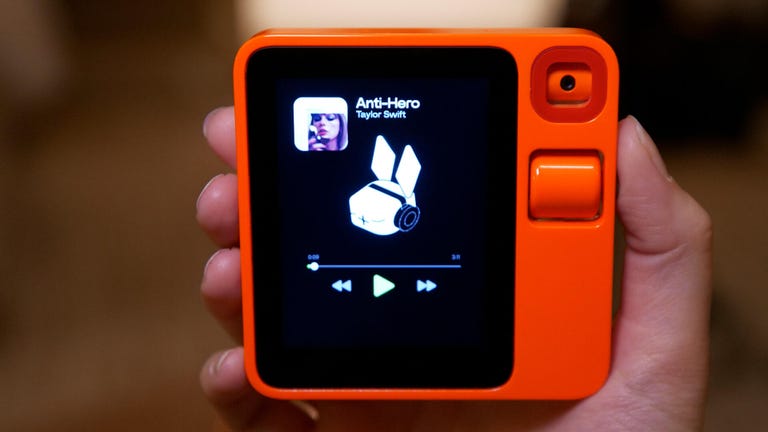
The Rabbit R1 is a tiny, handheld gadget that you primarily interact with through verbal commands. Instead of using apps, the operating system runs on software that Lyu says can learn how to operate digital apps and services on your behalf using AI. It’s a novel concept, and one that Lyu thinks will ultimately prevail and become the dominant way we get things done in the future.
And he isn’t alone; Rabbit fans who preordered the device flocked to the product’s New York launch event on April 23 to be among the first to get their hands on it. A man I spoke with while waiting in line even drove all the way from Massachusetts.
But the current version of the R1 doesn’t live up to these lofty ambitions. The R1 can call you an Uber (or at least it’s supposed to), order Doordash, create images with Midjourney, play songs on Spotify, answer questions, translate speech and use its camera as a visual search engine, among other things. It’s fresh and interesting, but many of these experiences feel inferior to the smartphone right now. On the whole, the R1 feels like a work in progress and a bet on the future rather than the AI revolution it’s been made out to be.
Read more: AI Is Changing Our Phones, and It’s Just Getting Started
Watch this: First Look at Rabbit R1 Mobile AI Device
The R1’s retro design
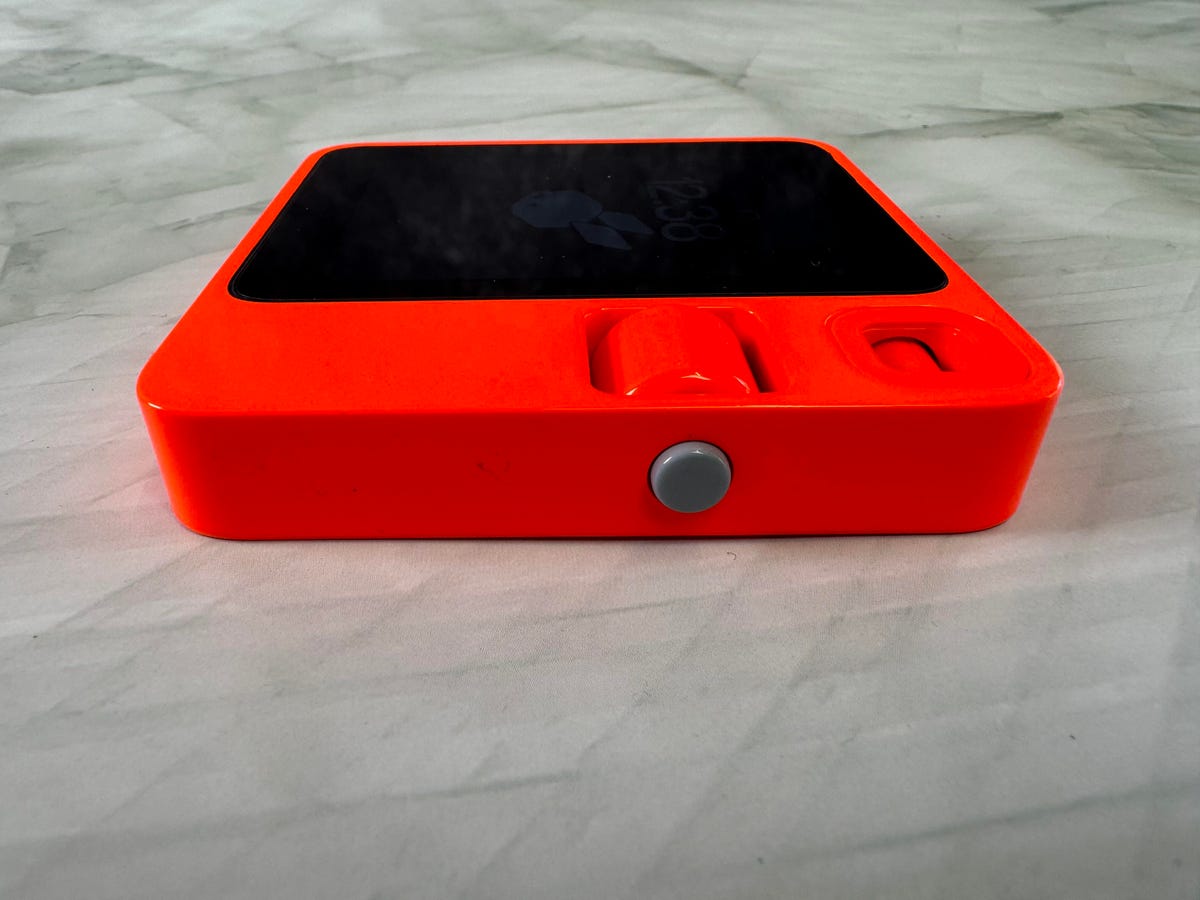
You can press and hold the Rabbit R1’s side button and speak into it like a walkie-talkie.
If there’s one thing Rabbit got right with the R1, it’s the design. It’s about half the size of a smartphone and comes in a deliciously bright orange color. The device has a tiny 2.8-inch screen, a scroll wheel for navigation and an 8-megapixel camera. There’s a SIM card for cellular connectivity, but I used the R1 by connecting it to Wi-Fi networks and my phone’s mobile hotspot.
The R1, which was designed in collaboration with Teenage Engineering, somehow feels nostalgic and futuristic at the same time. It reminds me of the seashell phone from the horror movie It Follows. In that movie, one of the characters is seen using what appears to quite literally be a clamshell-shaped mobile device with an e-ink screen. While the R1 doesn’t physically resemble this device, they both create the illusion of a handheld electronic that somehow feels like it’s from the past and the future at the same time.
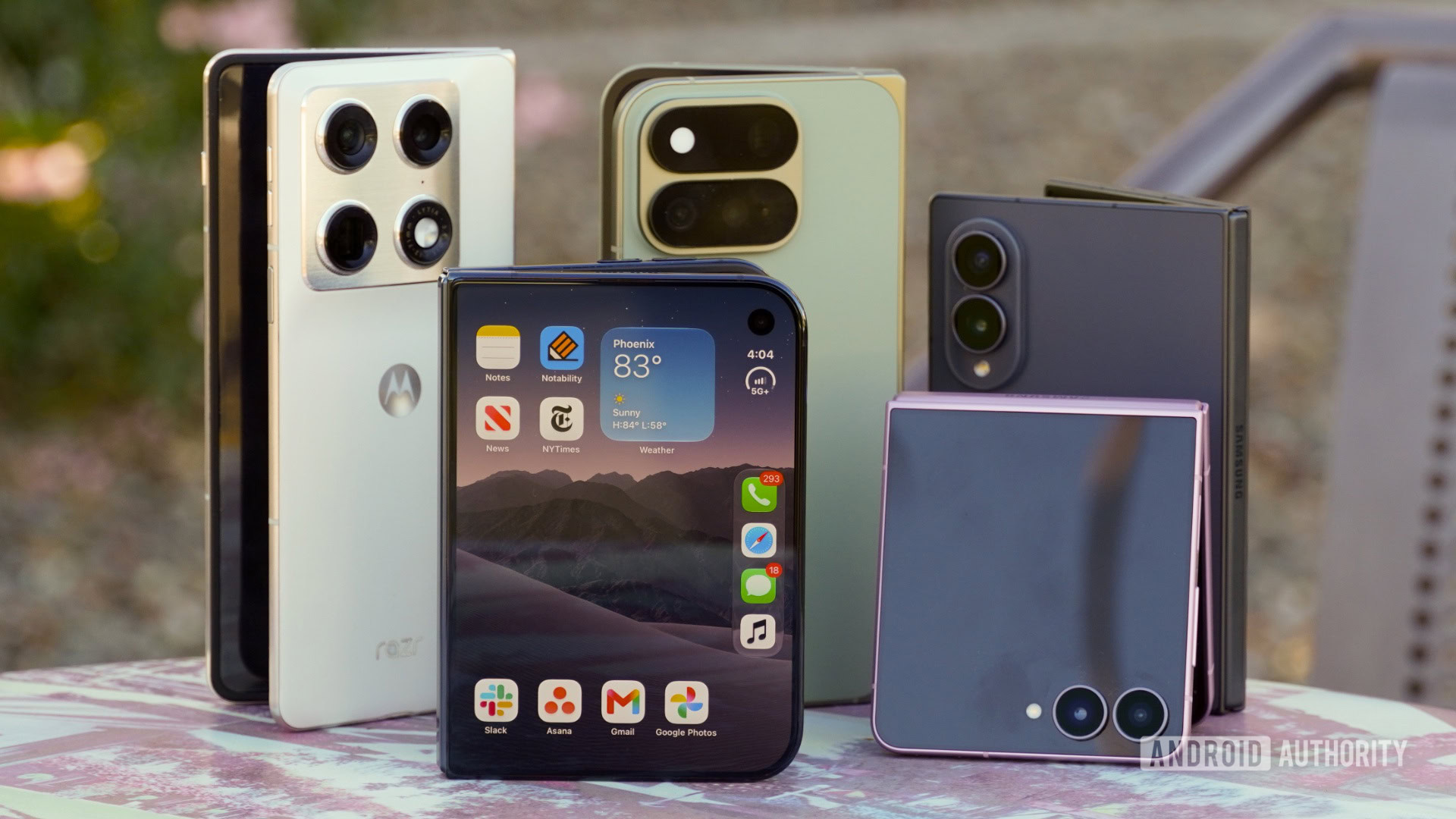
The R1’s size also makes it feel like a walkie-talkie when you speak into it, which is likely intentional given that’s the primary way you interact with the device. It’s small enough to fit in the palm of your hand, much like the Samsung Galaxy Z Flip 5 when closed.
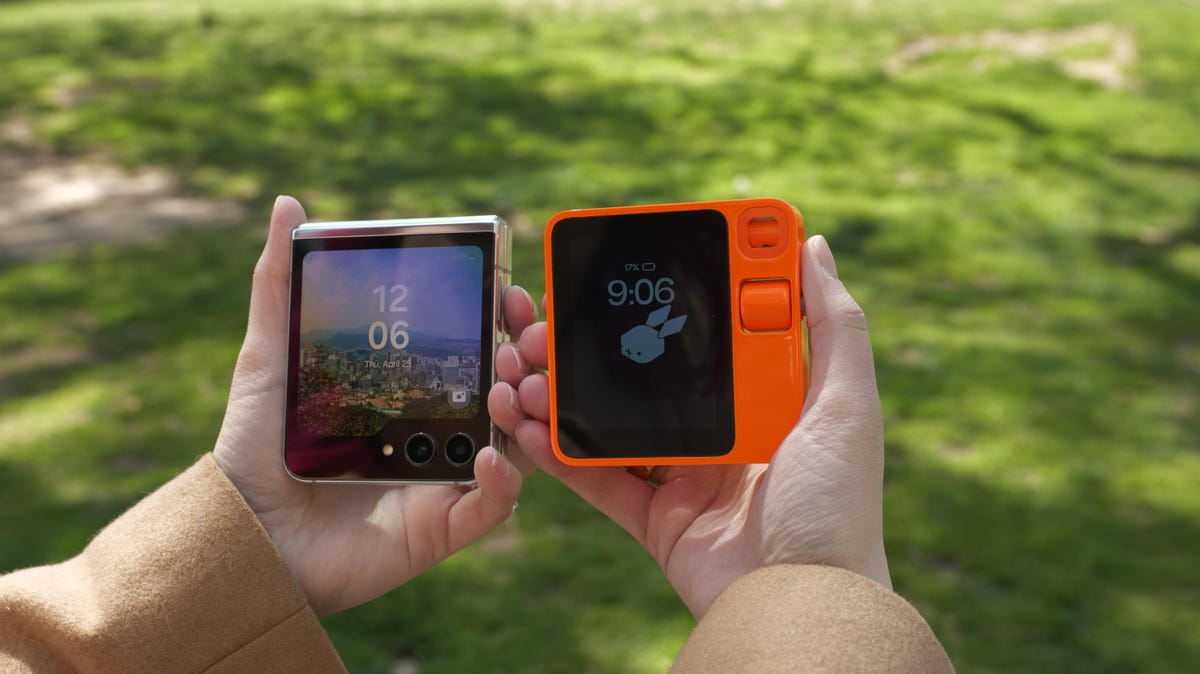
The Rabbit R1 is about the same size as the Samsung Galaxy Z Flip 5 when closed.
The Rabbit R1’s design is important for more than just aesthetic reasons; it dictates how you interact with the device. Since the display is so small, the screen isn’t meant to draw your attention the way a smartphone’s does. It doesn’t tempt you to browse around the operating system or launch an app when you’re bored as you might while using a phone. And it forces you to think about what question you should ask to get your intended task done rather than which app you should open.
Since it’s a new type of gadget, there is a learning curve. On my first day with the device, I forgot that you need to shake it twice to launch the settings menu, for example. I also didn’t realize that you exit the camera interface with the same gesture you use to launch it: double pressing the side button. Other gestures felt surprisingly natural and clever, like using the scroll wheel to adjust screen brightness and volume.
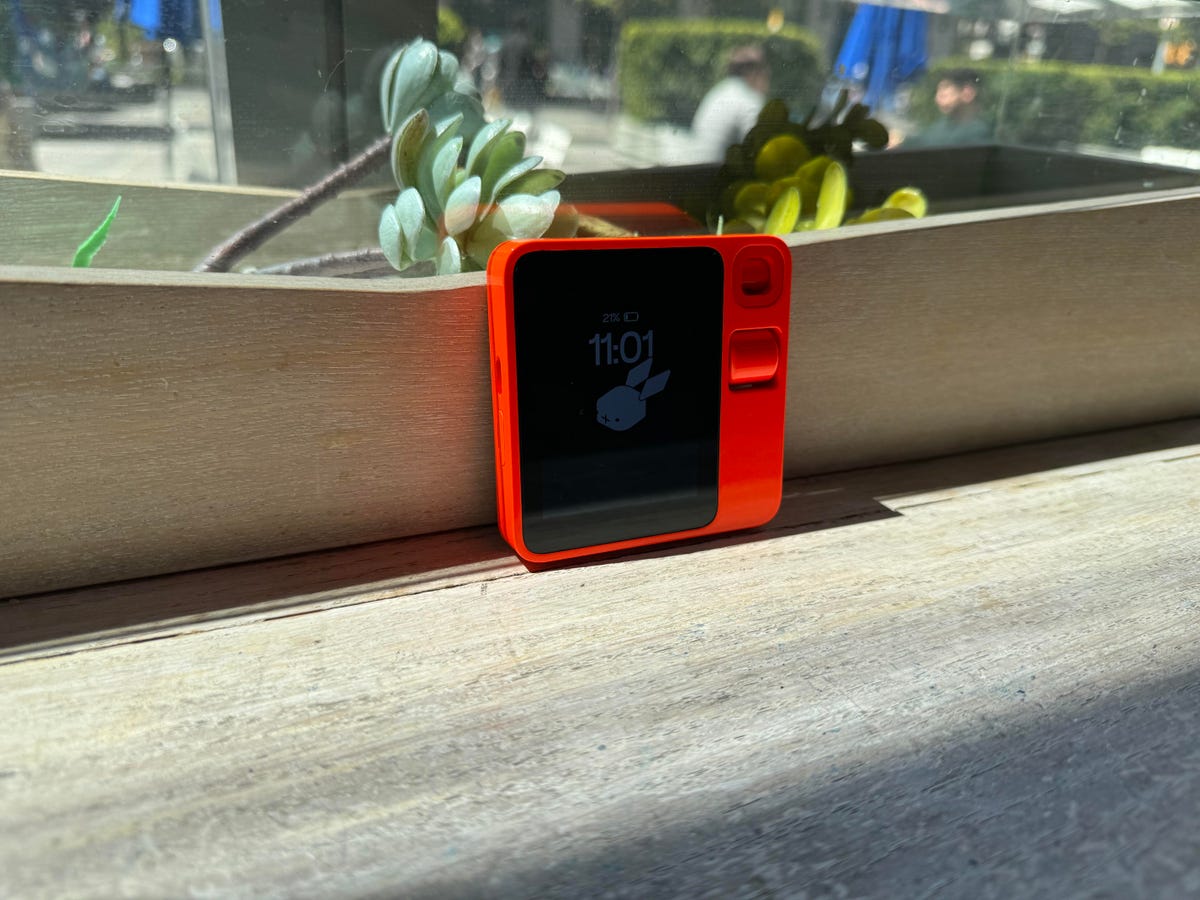
The Rabbit R1 is small enough to easily fit in the palm of your hand.
Setting up the Rabbit R1 was fairly simple and involved connecting it to the internet and scanning a QR code. In order to get the most out of the Rabbit R1, you need to link it to digital services so it can actually do things on your behalf. You can connect these services through an online portal called the Rabbithole, but right now Spotify, Uber, Doordash and Midjourney are the only services visible as options. But according to Lyu’s keynote, there are a bunch of new features and integrations planned for summer 2024 and beyond, including support for Yelp, Amazon Music and Apple Music, as well as calendar and contact functionality, reminders, shopping features and more.
Rabbit uses the authentication systems from each of these services to log in, meaning it’s not directly handling your login credentials or saving them. It feels like logging into a website on a web browser. Lyu said user requests are handled directly by the language models that process them, so Rabbit doesn’t see or save your specific words.
Using the R1 as a handheld tour guide
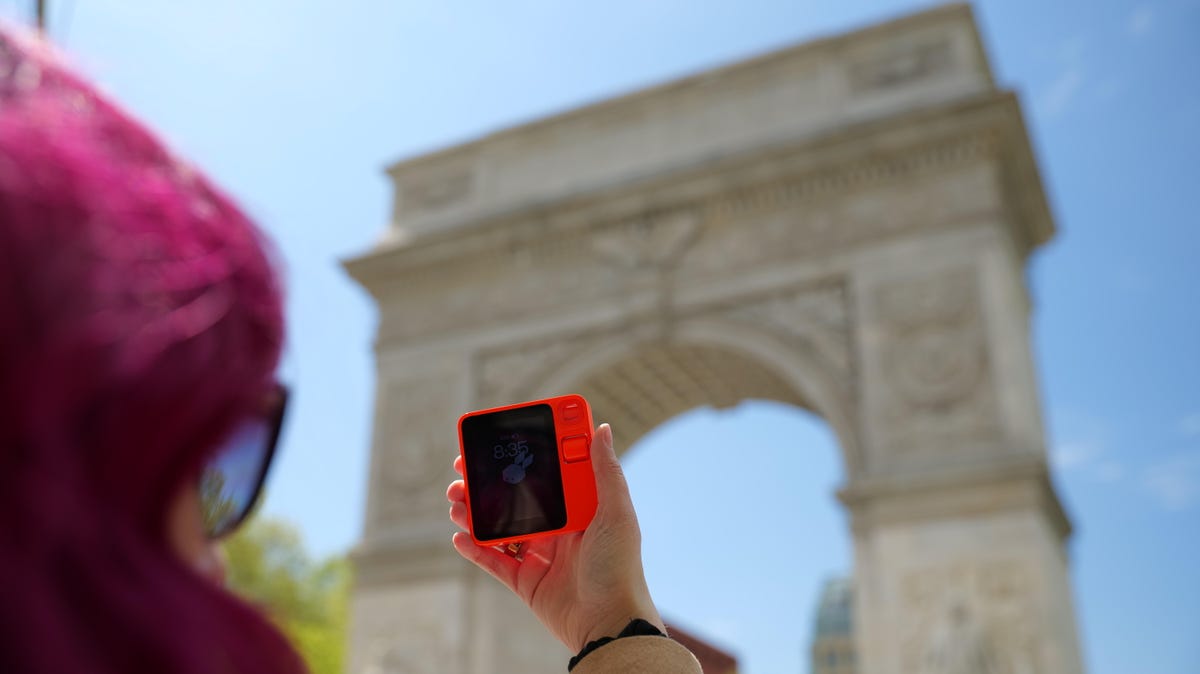
The Rabbit R1 can answer questions about objects it sees in the real world.
The R1’s camera serves a different purpose than the one on your phone. Instead of using it to document important moments and events, the R1’s camera is primarily used to learn about the world around you. Just point it at a nearby object and ask it a question, and it should be able to identify it and answer your query. I thought the best way to test this out in practice would be to take it out for a day of sightseeing in lower Manhattan.
I tried using the Rabbit R1 for everything from learning about landmarks to ordering an Uber to my next point of interest and finding nearby coffee shops. Most of the time, I just ended up reaching for my phone to get these tasks done. However, there were a few instances in which the Rabbit R1 gave the answers I was looking for, such as when I pointed it at the arch at the entrance of Washington Square Park. Not only did it correctly identify the Washington Square Arch, but it also described the nearby scenery — making me curious about the R1’s potential as an accessibility device in the future.
But the Washington Square Arch was the only landmark the R1 was able to consistently identify that day. It couldn’t recognize the New York Stock Exchange or the Castle Clinton monument right on the water near Battery Park. Instead, the Rabbit R1 gave me its best guess at what I might be looking at. For the Stock Exchange, it described a “grand, historic building, likely a government or financial institution.” It could tell Castle Clinton was a “historic landmark or attraction,” but it couldn’t say much more than that.
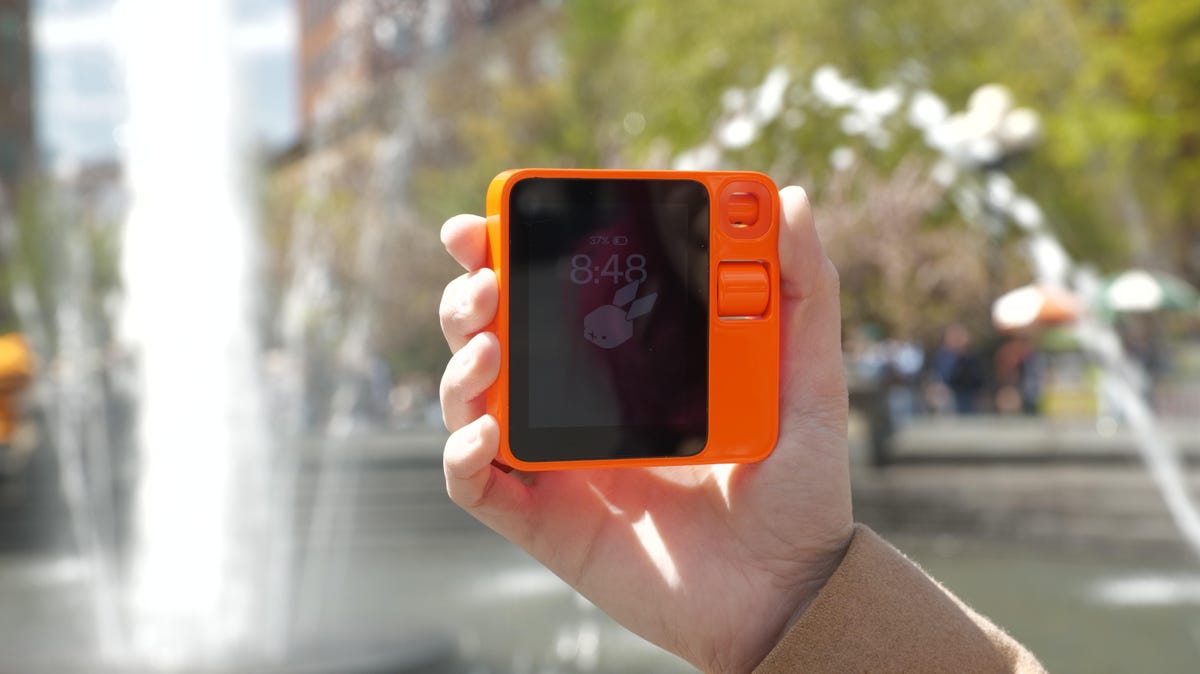
The Rabbit R1 has a tiny display that’s significantly smaller than your smartphone’s.
Answers can also vary depending on the angle and positioning of the camera, as well as what else is in frame, which I learned when asking the Rabbit R1 to identify the iconic Charging Bull statue near Wall Street. It answered correctly on the first try but couldn’t identify the statue on the second or third try, perhaps because there were too many tourists and sightseers standing in the way.
The R1 is fun to use as a visual search tool, but you can get similar functionality from Google Gemini and Google Lens. I received nearly the same results using the Rabbit R1 and Google Gemini running on a Pixel 8 Pro when pointing the camera at my ice blue Nintendo 64 to see if it could tell me what year the console came out. (I thought this was a fitting question for the Rabbit R1 given its retro theme.)
Battery life is the biggest obstacle to using the Rabbit R1. The battery drained significantly during my first few days with it even when the device wasn’t being used. On the day that I took the R1 sightseeing, I had to go back to my office because the battery was nearly depleted by lunchtime. On a different day, the battery dipped down to 34% after being off its charger for about 5 hours. It got so bad that I started carrying a portable charger anytime I left my house with the R1, although Lyu says a fix is coming.
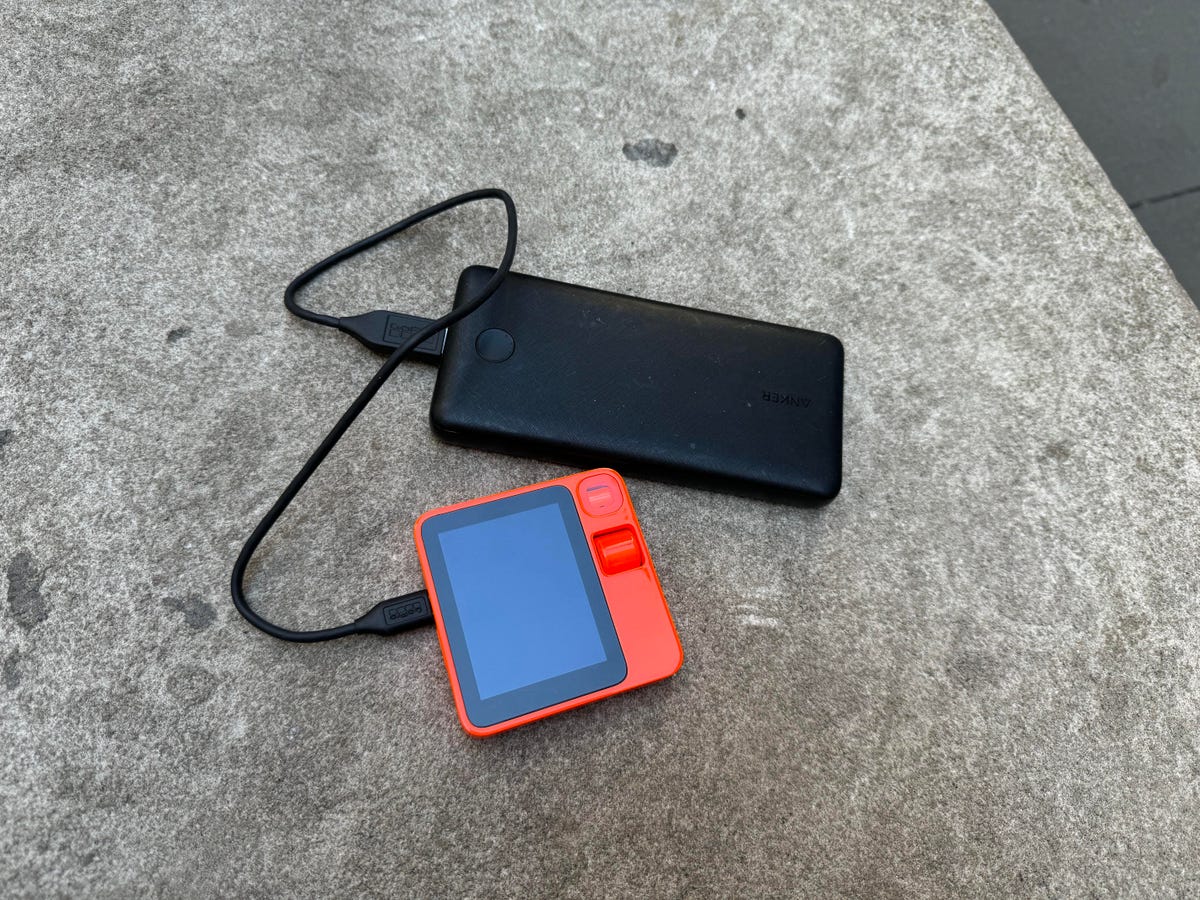
I needed to plug the Rabbit R1 into a portable charger to get through the day.
As of April 29, I began noticing some battery improvements, but I’m still not brave enough to leave the house without a power bank. The battery level is down to 23% as of 5:49 p.m. ET after unplugging it shortly before 9 a.m.
The Rabbit R1 as a work companion
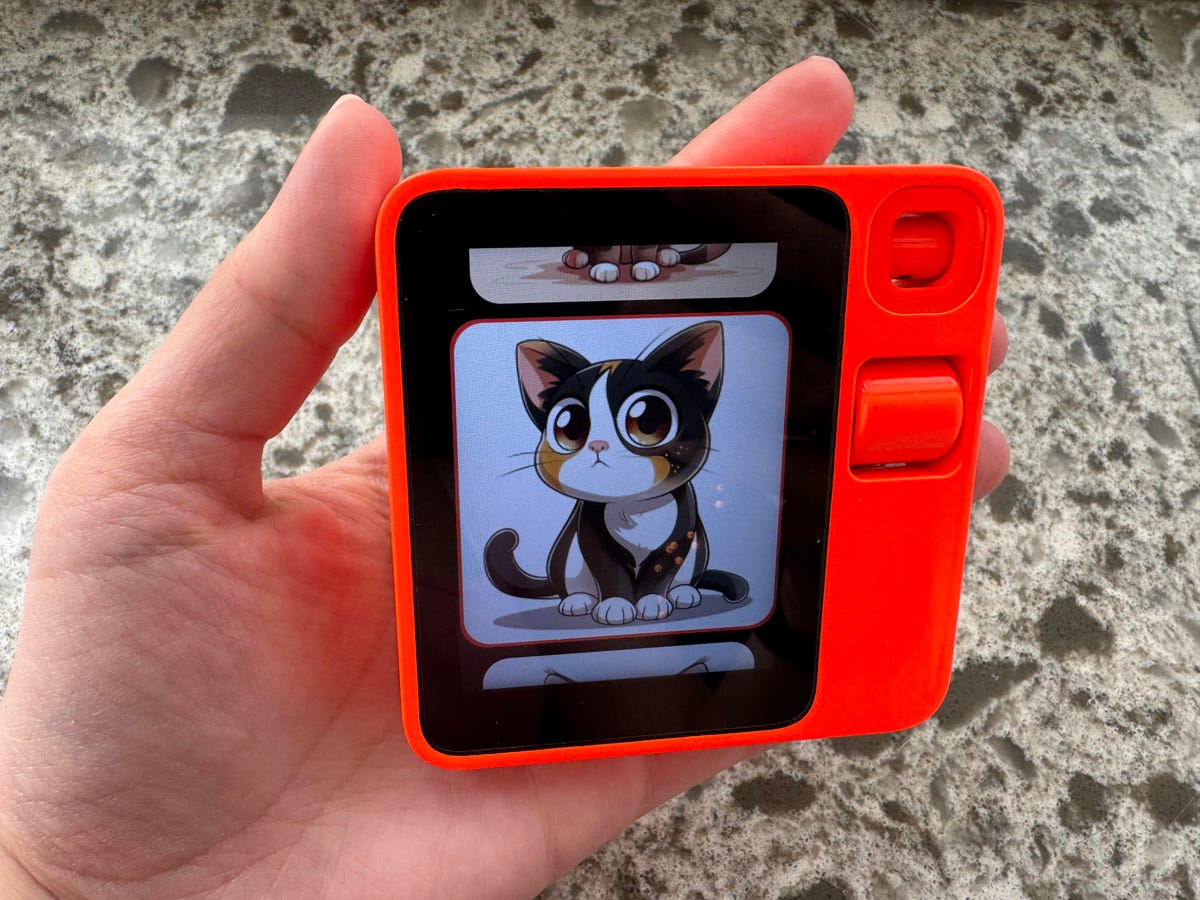
The Rabbit R1 can generate images through Midjourney.
While the idea of using the Rabbit R1 as a tour guide is interesting, I’m far more intrigued by its potential to help with productivity. Remember that spreadsheet example I mentioned earlier? Unfortunately, the R1 isn’t all that great at editing spreadsheets just yet. Words in the first column got cut off, and in my experience the camera isn’t wide enough to capture all of the data in a big spreadsheet anyhow. But the fact that it was able to make any sort of edit to a document and send it to my email instantly still felt like a big deal.
You can also use the Rabbit R1 to generate images on the fly through Midjourney. All it took was a quick command like, “Create an image of a cute puppy with floppy ears and big eyes,” and the Rabbit R1 conjured up four images matching my prompt. Even though Google Gemini accomplished a similar task slightly faster, generating an image with the press of a button, without having to tap or type any inputs, still felt impressive.
The Rabbit R1 can also serve as a personal translator and a voice recorder for quickly saving dictated memos, and voice recordings are stored in the Rabbithole portal for later reference. These features work as expected for the most part, although I sometimes found that I had to use a specific phrase to get these tools to work properly. For example, in response to the phrase, “Record a note,” Rabbit says “saving your note” and then follows up by adding that it doesn’t have enough information to save a note. It may sound minor, but it can be frustrating when you just want to save a quick thought in a hurry. And Rabbit can’t translate text in images; it works only with speech, which limits its usefulness.
The Rabbit R1 as a search engine
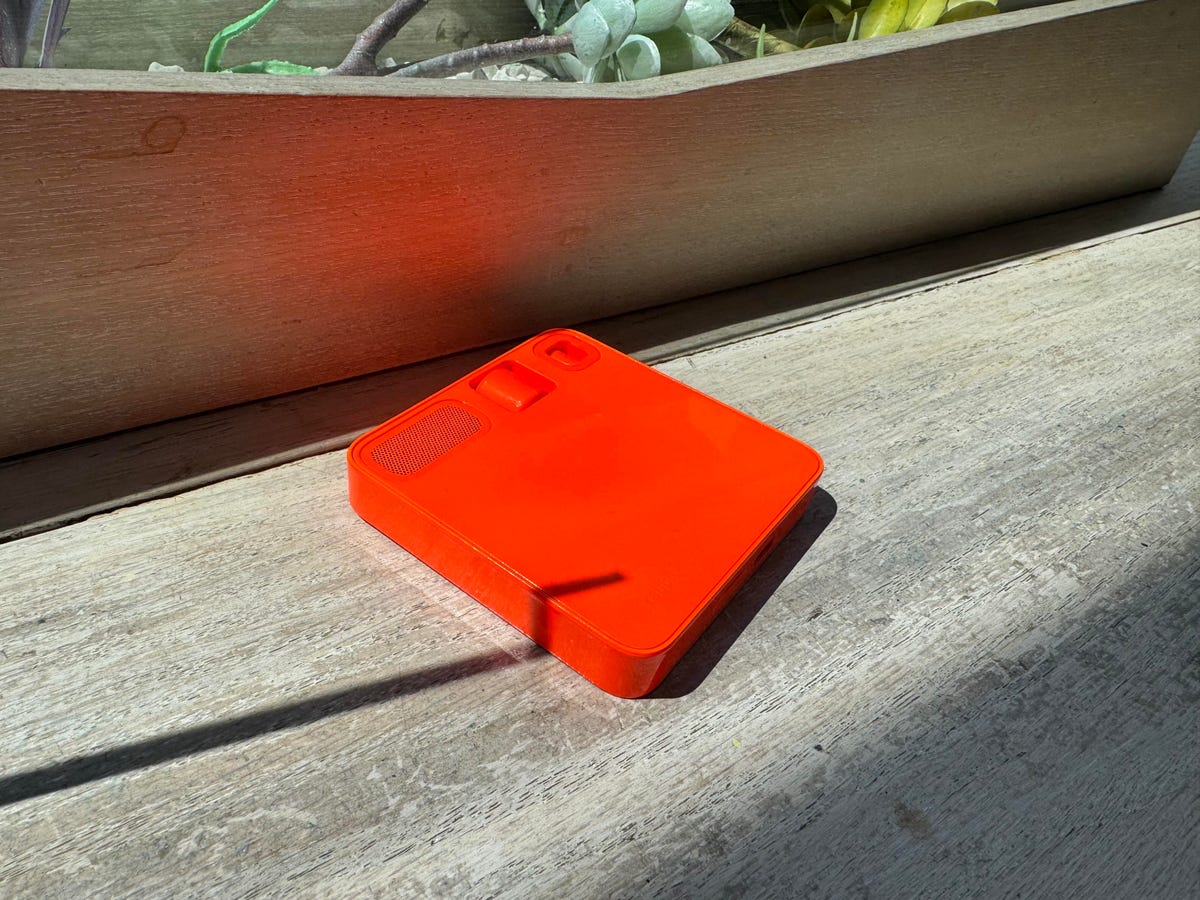
The Rabbit R1 can answer questions, play music on Spotify, use its camera to answer questions about what it sees and more.
The Rabbit R1 can answer questions about the weather, pop culture, nearby points of interest and more — similar to phone-based virtual assistants. But it has pros and cons compared to the digital helpers that live on our mobile devices, like Apple’s Siri, for example.
I noticed that Rabbit sometimes provides more information than Siri might, such as when I asked who the pop icon Taylor Swift is dating. Siri answered first, but Rabbit provided extra details, such as when the couple began seeing each other. The case was the same when asking Rabbit to recommend nearby coffee shops that are ideal for working. Rabbit provided a rating and mentioned factors like Wi-Fi and ambience, while Siri just pulled up a list of results. I liked that I didn’t get a generic “Here’s what I found on the web” type of answer when asking Rabbit questions like I sometimes do with Siri.
Rabbit’s coffee shop recommendations were pretty spot on for my neighborhood, but the quality of its suggestions sometimes changed depending on my location. When asking for coffee shops near Washington Square Park, some of the suggested coffee shops weren’t very close by, including one option located in Brooklyn.
That said, I’m surprised by how well the Rabbit R1 can understand language and intention. When it can’t answer my questions, it at least tells me why and acknowledges that it knows what I was trying to ask. For example, when I pointed it at my salad and asked how many calories were in the meal, it said it needed more information about portion size and the specific ingredients.
Rabbit may have done a better job at understanding the specific intent behind my question, but the experience of looking through recommendations was still easier on my phone. The R1 doesn’t save verbal responses to the Rabbithole portal; it only stores voice memos and visual queries at this time. It also can’t send responses to your email the way it does with spreadsheets. So once the R1 is done dictating its response, there’s no way to access that answer. (In another testament to the R1’s language understanding capabilities, it told me to just jot down its response when I asked it to send recommendations to my email.) A Rabbit spokesperson said the company plans to add the ability to save answers in a future update.
Rabbit OS instead of apps
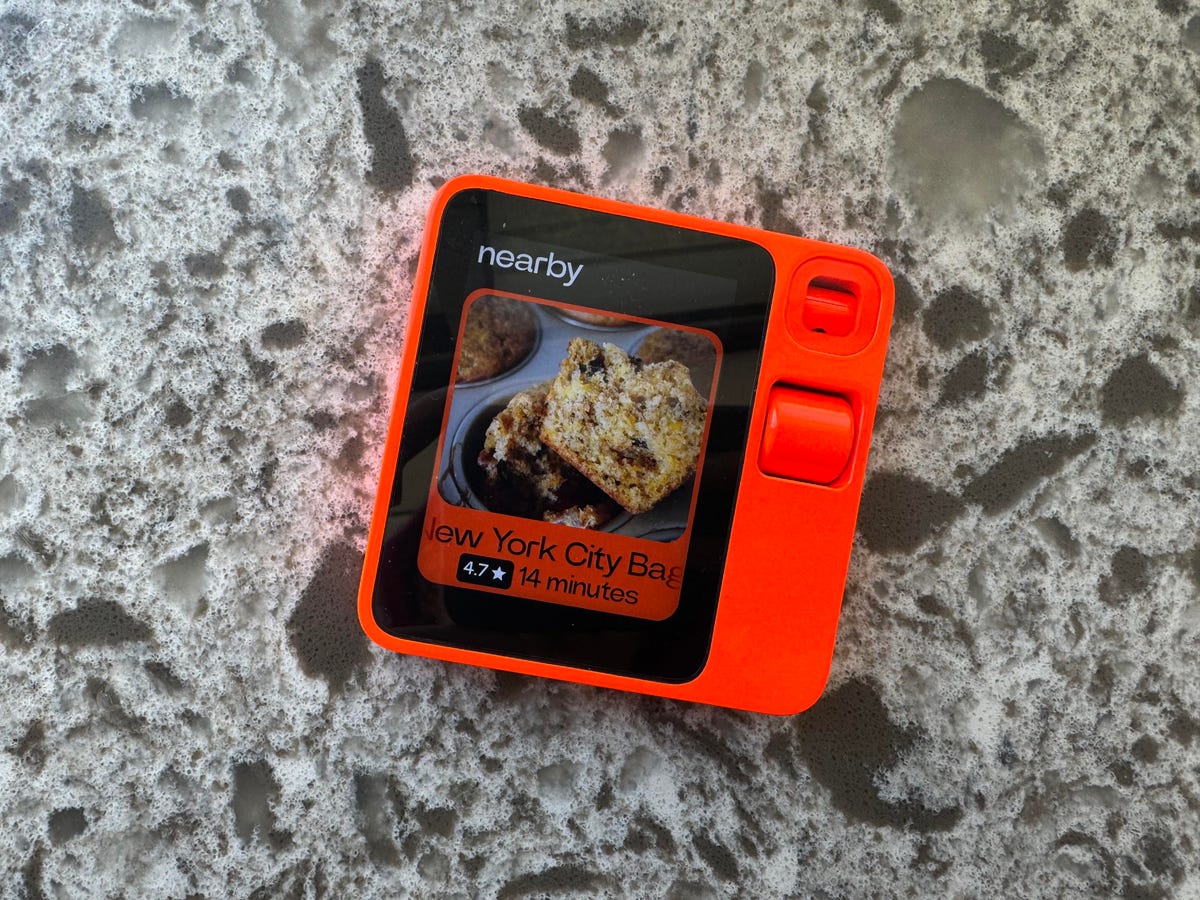
The Rabbit R1 can use Doordash on your behalf.
The overarching goal behind the Rabbit R1 is to provide an experience that’s faster and more intuitive than your smartphone. Instead of opening multiple apps to accomplish a single task, Rabbit OS promises to get things done for you with a simple prompt.
But that dream still feels like it’s in its early stages. The Rabbit R1 doesn’t support many services yet, so you can’t ask it to do much other than calling an Uber or ordering lunch on Doordash. I haven’t even been able to get Uber to work properly yet even though I linked my account to my Rabbit device. I would either get a response indicating the request couldn’t be processed because of maintenance issues, or the R1 would fail to accurately pinpoint my location even when I dictated the address. A Rabbit spokesperson said the company’s working to improve the success rate and transparency of booking a ride using the R1.
Ordering Doordash may be faster using the Rabbit R1 if you already know what you want and it happens to be on Rabbit OS’ implementation of Doordash. But in most cases, using your phone is the better option. Rabbit OS doesn’t pull up as many restaurant choices as Doordash would on your phone, and it doesn’t show the full menu either. A Rabbit spokesperson said it’s constantly working to improve the selections on Doordash.
There are also a couple of puzzling bugs I ran into when using the R1 that are unrelated to Uber and Doordash. For one, the time zone appears to be stuck in Pacific time even though I’m located on the East coast. Lyu posted on X that a fix for this specific problem, along with the battery drain issues, is coming soon. And while the Rabbit R1 was usually accurate with my location when I asked for the weather, it pulled up temperature forecasts for Massachusetts on a couple of instances. I also had a hard time exiting the Spotify interface on multiple occasions, and the device can’t seem to reconnect to my phone’s hotspot after disconnecting. Instead, I have to manually forget the network and rejoin, which means typing in the password every time.
Rabbit R1 overall thoughts
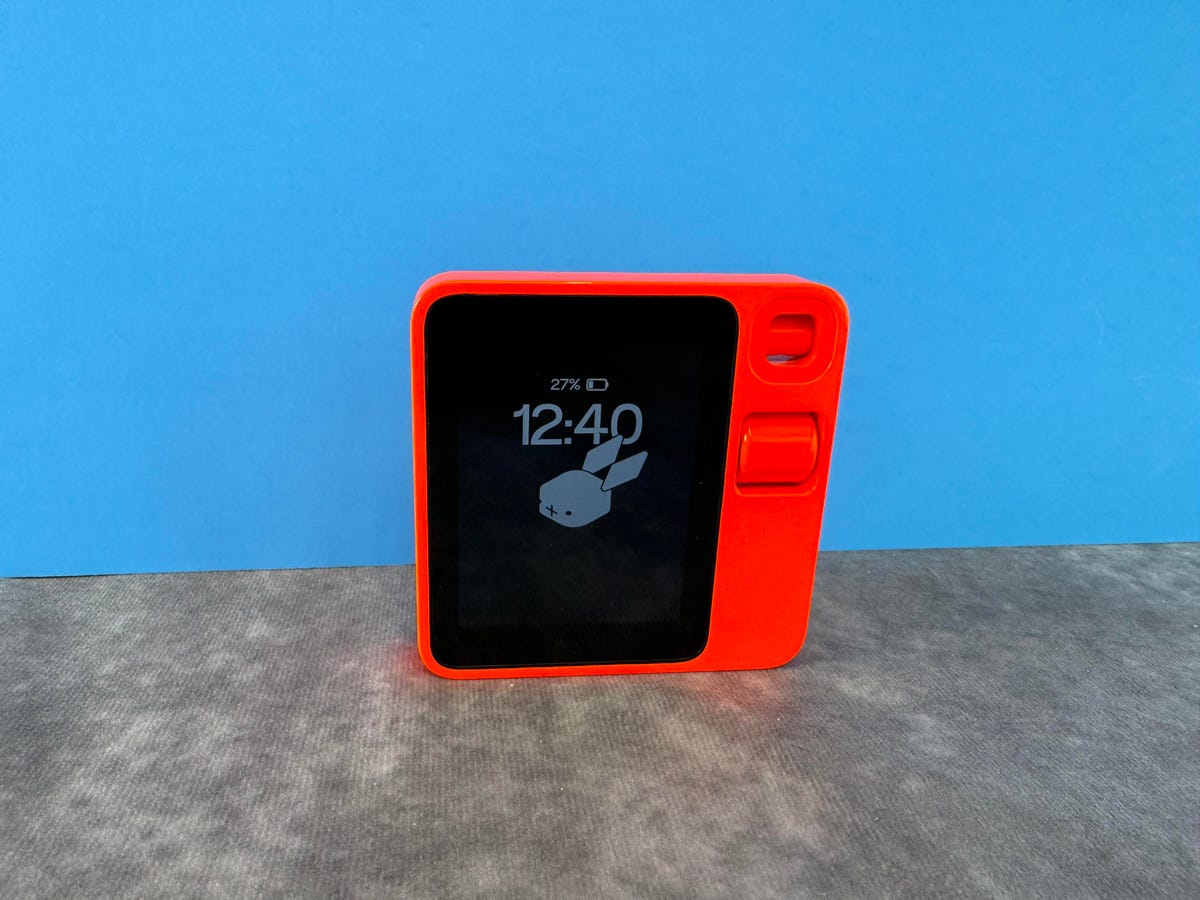
The Rabbit R1 is a handheld device that you interact with using voice commands.
The Rabbit R1 isn’t meant to be a phone replacement, but it is meant to do certain things better than your phone can. It’s not there yet, but I can see the pieces of a new type of operating system starting to come together. While it’s true that you can do many of the same things the R1 does on your phone — including generating images based on a voice prompt and using the camera as a visual search tool — it’s more about how you’re doing those things.
Just because you can unlock your phone and ask Google to identify a nearby landmark or plant doesn’t mean you’re going to. We’re so accustomed to opening apps, typing and scrolling that it doesn’t always feel intuitive to fire up the camera and ask a question. The R1, however, forces you into these types of multimodal interactions. And that’s promising; so few gadgets actually succeed in breaking us out of our comfort zones when it comes to user interfaces.
But “eventually” is the key word there. Based on the R1’s current state, that vision feels closer to a promise than it does to reality. Many of its features and experiences feel unfinished, and you’re much better off just using your phone. Smartphone makers are also moving toward this idea of evolving beyond apps, as evidenced by Google’s Circle to Search feature, meaning the R1 may soon have to try even harder to compete with your phone. Our mobile devices also have a big advantage that the R1 doesn’t when it comes to serving as a virtual assistant: They already know so much about us. And that’s going to be tough to beat.
If you’re thinking about buying the R1, do it because you’re curious about the future and don’t mind gambling $200 on it. But for most people, my advice is to just stick with your phone. There may be big things ahead for the Rabbit R1, but I can’t review what isn’t there yet.
Editors’ note: CNET used an AI engine to help create several dozen stories, which are labeled accordingly. The note you’re reading is attached to articles that deal substantively with the topic of AI but are created entirely by our expert editors and writers. For more, see our AI policy.