





Yorkshire Buzz
Advertisement
  • Home
  • News
    • All
    • Business
    • Politics
    • Science
    • World
    Zoe Kleinman: Nvidia CEO’s affair will cause ripples across US and beyond

    Zoe Kleinman: Nvidia CEO’s affair will cause ripples across US and beyond

    Nvidia shares tumble over investigation into Huang’s affair with alleged Chinese spy

    Nvidia shares tumble over investigation into Huang’s affair with alleged Chinese spy

    Doncaster Rovers: Grant McCann left “hurt” by Kidderminster loss

    Doncaster Rovers: Grant McCann left “hurt” by Kidderminster loss

    Shropshire and Worcestershire soft play centres face challenges

    Shropshire and Worcestershire soft play centres face challenges

    Nvidia launches investigation into CEO’s affair with suspected Chinese spy

    Nvidia launches investigation into CEO’s affair with suspected Chinese spy

    DIY Dalek to be auctioned for Yorkshire Cancer Research

    DIY Dalek to be auctioned for Yorkshire Cancer Research

    Trending Tags

    • Trump Inauguration
    • White House
  • Tech
    • All
    • Apps
    • Gadget
    • Mobile
    • Startup
    Google Messages prepares for quick photo and video editing integration

    Google Messages prepares for quick photo and video editing integration

    One UI 9.5 could give Samsung Internet a dedicated desktop mode for DeX users

    One UI 9.5 could give Samsung Internet a dedicated desktop mode for DeX users

    Wendy’s Just Released a Video Game Where You Can Win Fast Food

    Wendy’s Just Released a Video Game Where You Can Win Fast Food

    iPhone Duo vs. Galaxy Z Fold 8 Camera Comparison: Frolicking With Apple’s and Samsung’s Foldables

    iPhone Duo vs. Galaxy Z Fold 8 Camera Comparison: Frolicking With Apple’s and Samsung’s Foldables

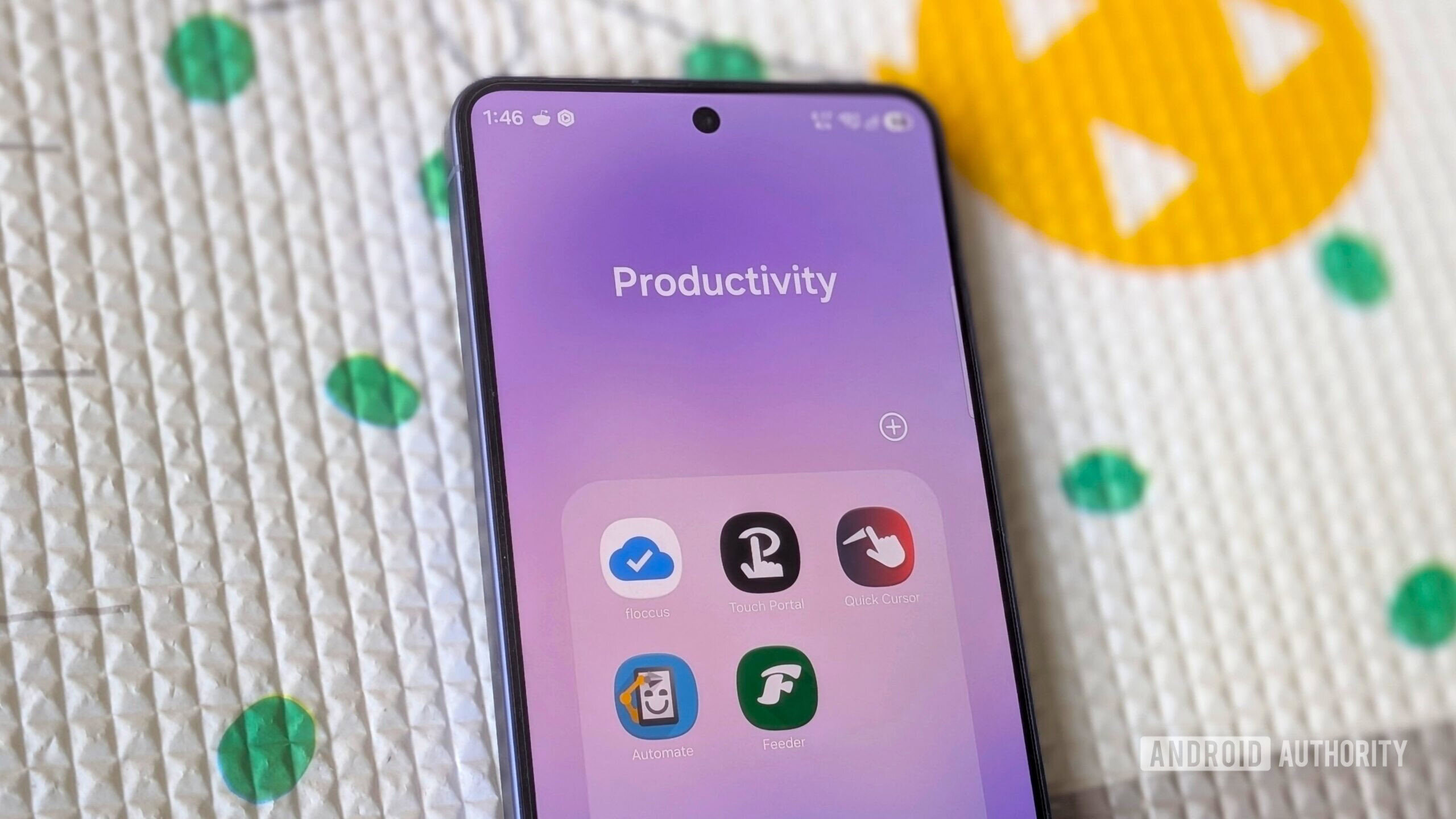
    These 5 productivity apps you’ve never heard of deserve a spot on your phone

    These 5 productivity apps you’ve never heard of deserve a spot on your phone

    The Best Cat Water Fountains of 2026: Petlibro, Petkit, Oneisall

    The Best Cat Water Fountains of 2026: Petlibro, Petkit, Oneisall

    Trending Tags

    • Nintendo Switch
    • Mark Zuckerberg
  • Entertainment
    • All
    • Gaming
    • Movie
    • Music
    • Sports
    As A Godzilla Megafan, Here’s Why Godzilla Minus Zero Is Better Than Minus One

    As A Godzilla Megafan, Here’s Why Godzilla Minus Zero Is Better Than Minus One

    Arsenal set to complete THREE deals before January: report

    Arsenal set to complete THREE deals before January: report

    Lego Is Teasing A Yoshi Set, But You’ll Have To Wait Until 2027

    Lego Is Teasing A Yoshi Set, But You’ll Have To Wait Until 2027

    The Cone Boot Trend Lila Moss Is Wearing With Jeans This Winter

    The Cone Boot Trend Lila Moss Is Wearing With Jeans This Winter

    Keith Thurman details behind the scenes conversation with Terence Crawford on potential comeback

    Keith Thurman details behind the scenes conversation with Terence Crawford on potential comeback

    Anthony Mackie’s International Heist Thriller & More Apple TV Releases This Week

    Anthony Mackie’s International Heist Thriller & More Apple TV Releases This Week

  • Lifestyle
    • All
    • Fashion
    • Food
    • Health
    • Travel
    TECNO Launches CAMON SLIM at THE SLIM SOIREE in Nigeria

    TECNO Launches CAMON SLIM at THE SLIM SOIREE in Nigeria

    Where to Eat in Manila’s Chinatown

    Where to Eat in Manila’s Chinatown

    The Sweatpants Color Chic Postpartum Moms Are Wearing in L.A.

    The Sweatpants Color Chic Postpartum Moms Are Wearing in L.A.

    National Trade Fair 2026 Generates PHP 128.85 Million in Sales, Showcases Filipino Products

    National Trade Fair 2026 Generates PHP 128.85 Million in Sales, Showcases Filipino Products

    Instant Pot Beef Barbacoa Recipe

    Instant Pot Beef Barbacoa Recipe

    Tired of Razor Bumps? These 6 Safety Razors Are Worth Trying

    Tired of Razor Bumps? These 6 Safety Razors Are Worth Trying

    Trending Tags

    • Golden Globes
    • Game of Thrones
    • eSports
  • Review
    Oukitel WP63 rugged phone review

    Oukitel WP63 rugged phone review

    The fastest handheld we’ve tested

    The fastest handheld we’ve tested

    Elegoo M1 Ultra 3D Scanner review

    Elegoo M1 Ultra 3D Scanner review

    Asus Googlebook 14 Review – Trusted Reviews

    Asus Googlebook 14 Review – Trusted Reviews

    Movavi Video Editor 27 review

    Movavi Video Editor 27 review

    Paleblue Voyager C USB-C Review

    Paleblue Voyager C USB-C Review

No Result
View All Result
  • Home
  • News
    • All
    • Business
    • Politics
    • Science
    • World
    Zoe Kleinman: Nvidia CEO’s affair will cause ripples across US and beyond

    Zoe Kleinman: Nvidia CEO’s affair will cause ripples across US and beyond

    Nvidia shares tumble over investigation into Huang’s affair with alleged Chinese spy

    Nvidia shares tumble over investigation into Huang’s affair with alleged Chinese spy

    Doncaster Rovers: Grant McCann left “hurt” by Kidderminster loss

    Doncaster Rovers: Grant McCann left “hurt” by Kidderminster loss

    Shropshire and Worcestershire soft play centres face challenges

    Shropshire and Worcestershire soft play centres face challenges

    Nvidia launches investigation into CEO’s affair with suspected Chinese spy

    Nvidia launches investigation into CEO’s affair with suspected Chinese spy

    DIY Dalek to be auctioned for Yorkshire Cancer Research

    DIY Dalek to be auctioned for Yorkshire Cancer Research

    Trending Tags

    • Trump Inauguration
    • White House
  • Tech
    • All
    • Apps
    • Gadget
    • Mobile
    • Startup
    Google Messages prepares for quick photo and video editing integration

    Google Messages prepares for quick photo and video editing integration

    One UI 9.5 could give Samsung Internet a dedicated desktop mode for DeX users

    One UI 9.5 could give Samsung Internet a dedicated desktop mode for DeX users

    Wendy’s Just Released a Video Game Where You Can Win Fast Food

    Wendy’s Just Released a Video Game Where You Can Win Fast Food

    iPhone Duo vs. Galaxy Z Fold 8 Camera Comparison: Frolicking With Apple’s and Samsung’s Foldables

    iPhone Duo vs. Galaxy Z Fold 8 Camera Comparison: Frolicking With Apple’s and Samsung’s Foldables

    These 5 productivity apps you’ve never heard of deserve a spot on your phone

    These 5 productivity apps you’ve never heard of deserve a spot on your phone

    The Best Cat Water Fountains of 2026: Petlibro, Petkit, Oneisall

    The Best Cat Water Fountains of 2026: Petlibro, Petkit, Oneisall

    Trending Tags

    • Nintendo Switch
    • Mark Zuckerberg
  • Entertainment
    • All
    • Gaming
    • Movie
    • Music
    • Sports
    As A Godzilla Megafan, Here’s Why Godzilla Minus Zero Is Better Than Minus One

    As A Godzilla Megafan, Here’s Why Godzilla Minus Zero Is Better Than Minus One

    Arsenal set to complete THREE deals before January: report

    Arsenal set to complete THREE deals before January: report

    Lego Is Teasing A Yoshi Set, But You’ll Have To Wait Until 2027

    Lego Is Teasing A Yoshi Set, But You’ll Have To Wait Until 2027

    The Cone Boot Trend Lila Moss Is Wearing With Jeans This Winter

    The Cone Boot Trend Lila Moss Is Wearing With Jeans This Winter

    Keith Thurman details behind the scenes conversation with Terence Crawford on potential comeback

    Keith Thurman details behind the scenes conversation with Terence Crawford on potential comeback

    Anthony Mackie’s International Heist Thriller & More Apple TV Releases This Week

    Anthony Mackie’s International Heist Thriller & More Apple TV Releases This Week

  • Lifestyle
    • All
    • Fashion
    • Food
    • Health
    • Travel
    TECNO Launches CAMON SLIM at THE SLIM SOIREE in Nigeria

    TECNO Launches CAMON SLIM at THE SLIM SOIREE in Nigeria

    Where to Eat in Manila’s Chinatown

    Where to Eat in Manila’s Chinatown

    The Sweatpants Color Chic Postpartum Moms Are Wearing in L.A.

    The Sweatpants Color Chic Postpartum Moms Are Wearing in L.A.

    National Trade Fair 2026 Generates PHP 128.85 Million in Sales, Showcases Filipino Products

    National Trade Fair 2026 Generates PHP 128.85 Million in Sales, Showcases Filipino Products

    Instant Pot Beef Barbacoa Recipe

    Instant Pot Beef Barbacoa Recipe

    Tired of Razor Bumps? These 6 Safety Razors Are Worth Trying

    Tired of Razor Bumps? These 6 Safety Razors Are Worth Trying

    Trending Tags

    • Golden Globes
    • Game of Thrones
    • eSports
  • Review
    Oukitel WP63 rugged phone review

    Oukitel WP63 rugged phone review

    The fastest handheld we’ve tested

    The fastest handheld we’ve tested

    Elegoo M1 Ultra 3D Scanner review

    Elegoo M1 Ultra 3D Scanner review

    Asus Googlebook 14 Review – Trusted Reviews

    Asus Googlebook 14 Review – Trusted Reviews

    Movavi Video Editor 27 review

    Movavi Video Editor 27 review

    Paleblue Voyager C USB-C Review

    Paleblue Voyager C USB-C Review

No Result
View All Result
Yorkshire Buzz
No Result
View All Result
Home Tech Apps

How to install Android 15 on your Pixel phone right now

by Yorkshire Buzz
16 February 2024
in Apps
0
How to install Android 15 on your Pixel phone right now
0
SHARES
8
VIEWS
Share on FacebookShare on Twitter


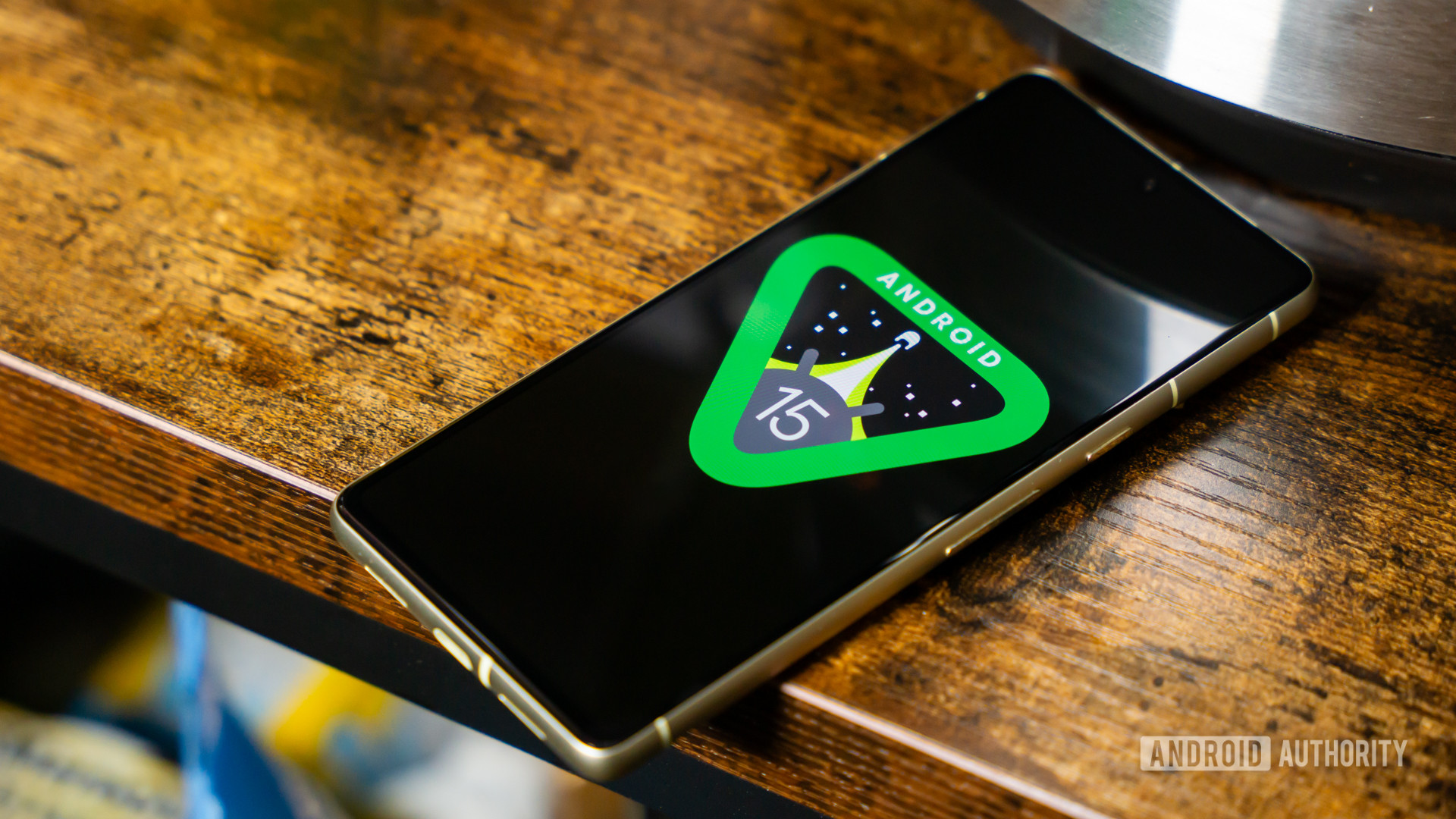
We hope you’re ready for the next version of Android because Android 15 is finally here! Although it will be quite a while before the software becomes stable enough for daily use, that doesn’t mean you can’t give it a shot. Below, we have instructions on how to install the first developer preview of Android 15 on a supported Pixel device.

WARNING: As it stands today, Android 15 DP1 is unstable software that should not be used on your primary phone. There will be a lot of bugs and other problems, and certain features you rely on might not work correctly or at all. We recommend only installing this on a secondary phone at this stage, just to be safe. Proceed at your own risk.

Should I install Android 15?

Edgar Cervantes / Android Authority

For now, the releases of Android 15 we have are very, very early versions. Developer previews, as the name suggests, are designed for developers to test out their apps. They are not intended for typical users. Being so early on in the development cycle essentially guarantees certain features won’t work at all, and significant bugs could be present.

With all that in mind, two types of people should install an early version of Android 15: developers and Android enthusiasts with access to a secondary Pixel phone or tablet. We strongly advise against installing a developer preview or even an early beta on your main Pixel. It’s not worth it.

That all being said, we’re not here to stop your passion for Android. Google’s tools are open to anyone, so as long as you’re willing to accept the consequences, you can install Android 15 on whichever device you choose!

What devices can install Android 15 today?

Google Pixel 8 in hand

Robert Triggs / Android Authority

Google makes developer previews and betas available to the Pixel devices that will eventually get a stable launch. Unfortunately, that means quite a lot of older Pixels are not eligible, including the Google Pixel 5 and all previous models. The complete list of Pixel products that can install Android 15 is here:

  • Google Pixel 8 Pro
  • Google Pixel 8
  • Google Pixel Fold
  • Google Pixel Tablet
  • Google Pixel 7a
  • Google Pixel 7 Pro
  • Google Pixel 7
  • Google Pixel 6a
  • Google Pixel 6 Pro
  • Google Pixel 6

If you don’t see your Pixel on that list, you’re stuck on Android 14 (or earlier) indefinitely. Keep in mind that we expect to see new Pixels launch before the stable rollout of Android 15. These devices — including the rumored Google Pixel 8a — should also be able to grab Android 15 once they launch. We will update the list when these devices become official.

How do I install Android 15 DP1?

Android 15 on pixel 8 pro

Adamya Sharma / Android Authority

There are three ways to install Android 15. The first is the assisted method, which we recommend to pretty much everyone. This uses the Chrome browser to automate most of the steps and is most useful if you are moving to Android 15 from any prior version.

There are also non-assisted methods using ADB and Fastboot. These are more complicated but give you a bit more freedom. These methods are also helpful if you are already on a version of Android 15, as you’ll be able to install a newer version of Android 15 without needing to wipe your phone first.

Remember that in all cases, moving from Android 14 to Android 15 requires a complete wipe of your phone’s data. If you don’t want to do this, you should not install Android 15 on your phone.

If you’re ready, it’s time to prepare!

Prepare to install Android 15

You will need the following materials and prerequisites to get started:

  1. A Windows, macOS, Chrome OS, or Linux computer with access to the internet and the latest Chrome browser.
  2. A short, thick USB cable for connecting your phone to the computer. The original USB cable that came with the phone is best for this.

Before you move on to the next steps, double-check that you have everything you need. You don’t want to get into the process of installing Android 15 and discover you aren’t fully prepared! Once you’re ready, continue on by using either the assisted or manual installation methods below.

Install Android 15 using the assisted method

FINAL WARNING: This process will unlock your bootloader and completely erase all your phone’s data.

  1. Ensure your computer has the proper drivers for your phone, which you can grab from Google’s Pixel drivers page. This is an essential step — if you skip this, flashing will not work!
  2. Plug your phone into your computer using the USB cable.
  3. In your phone’s Settings, go to System > Developer options. If you don’t see Developer options, go to Settings > About phone and scroll all the way down to the Build number. Tap on the Build number seven times until your phone says you are a developer. Developer options should be available now.
  4. In Developer options, enable OEM unlocking and USB debugging.
  5. Visit the Android Flash Tool page for installing Android 15.
  6. Select the version of Android 15 you’d like to install. For some models, there’s a 64-bit-only version and a version that also supports 32-bit software. Either one works. If you don’t know which one to pick, choose the one that just says “(signed),” which supports both 64-bit and 32-bit software.
  7. Follow along as the flashing tool takes care of everything for you. Simply follow the instructions and remember not to touch your phone unless specifically instructed to do so by the flashing tool.

That’s it! You should now have Android 15 installed on your Pixel smartphone.

Install Android 15 using the manual method

If the more straightforward assisted method mentioned above does not work for you, you can try the manual methods. Primarily, there are two manual methods:

  1. Flashing Factory Images through Fastboot: This requires an unlocked bootloader but is the recommended path for upgrading from Android 14 to Android 15 without the assisted method. Unlocking the bootloader will completely wipe your device. The Fastboot installation will wipe your device again, but you can alter this behavior.
  2. Sideloading OTA packages through ADB and Recovery: This method is useful for Pixel devices with a locked bootloader and for users who want to preserve data moving from Android 15 to Android 15. This is not recommended if you are moving from Android 14 to Android 15.

Irrespective of the method you choose, there are some common steps that you need to get in place:

  • Install ADB on your computer by following our guide. The process also installs Fastboot on your computer, as Fastboot is part of the Android SDK Platform Tools alongside ADB.
  • Ensure that you have USB Debugging enabled on your smartphone:
    • On your smartphone, go to Settings > About Phone.
    • Locate the Build Number entry. Tap seven times on it. You will see a toast popup saying, “You are now a developer” or “No need, you are already a developer.” This means that Developer Options has been unlocked on your device, and you will see a new entry in your Settings menu.
    • Now navigate to Settings > Developer Options > Enable USB Debugging. Confirm your selection when prompted in the warning.
  • Ensure your computer has the proper drivers for your phone, which you can grab from Google’s Pixel drivers page.
  • Connect your phone to the computer. Presuming this is the first time you are connecting your phone to your computer, you will get a prompt on your phone requesting authorization for the connection. Grant it.

With this, you will have your common steps in place. You can now move forward with the rest of the tutorial, depending on the install path that you choose.

Flashing Factory Images through Fastboot

FINAL WARNING: As part of this process, your phone will be completely wiped. Please ensure you have taken adequate backups before proceeding.

  • Download the official Factory Images on your computer for your phone. Ensure you download the file for your specific phone only, as flashing the file intended for a different phone model may mess with the installation process and render your device useless.
  • Optional but recommended: Verify the SHA-256 checksum of the file you have downloaded. This reassures you that the file has been downloaded completely and correctly. Google mentions the SHA-256 checksum next to the download link.
  • Unzip the file to a convenient location. For ease of installation, you can copy the contents to the directory where ADB and Fastboot are located on your computer.
  • Connect your phone to your computer.
  • Open up a command prompt on your computer and run the command adb reboot bootloader. This will reboot your phone to Fastboot mode.
  • Unlock the bootloader of your phone: You do this by running the Fastboot command fastboot flashing unlock. Note that this will erase all data on the device.
    • If your device reboots into the OS after a data wipe, you will need to skip all the setup steps and enable USB Debugging again. Once you do, reboot back into the Fastboot mode.
  • On a Windows PC, double-click on the flash-all.bat file. This will run the batch installation file and execute all the necessary commands by itself. On a Mac/Linux PC, you will need to run flash-all.
    • In case you want to preserve your system and app data between installations, you will need to open the flash-all script in a text editor program and delete the “-w” attribute from the command. This attribute denotes a wipe, so remove it if you do not want a wipe.
  • Once the script finishes, your device will reboot into the new OS.
  • Optional but recommended: Relock the bootloader of your phone by rebooting your phone into Fastboot mode and running the command fastboot flashing lock.

Sideloading OTA packages through ADB

FINAL WARNING: This process should only be used if you’re already on Android 15. If you are on any other version, use the assisted method or Fastboot.

  • Download the official OTA update zip file on your computer for your phone. Ensure you download the file for your specific phone only, as flashing the file intended for a different phone model may mess with the installation process and render your device useless.
  • Optional but recommended: Once the file has finished downloading, rename it to a simpler name, like abc.zip, for example. This will save you from typing out the long name that the file initially downloaded with.
  • Optional but recommended: Verify the SHA-256 checksum of the file you have downloaded. This reassures you that the file has been downloaded completely and correctly. Google mentions the SHA-256 checksum next to the download link.
  • Place the file in the directory where ADB is located on your computer.
  • Connect your phone to your computer.
  • Open up a command prompt on your computer and run the command adb reboot recovery. This will reboot your phone to recovery mode.
    • In case your phone does not reboot into recovery, you can also manually reboot into recovery by shutting down your device and then pressing and holding the power button and volume up button.
  • Use the volume keys to navigate to the Apply Update from ADB option in the Recovery menu. Press the power button to select it.
  • On the command prompt on your computer, run the command adb devices. This will return a device serial number with “sideload” written next to it. This indicates that your phone is connected in sideload mode and is ready to receive further installation commands.
  • On the command prompt on your computer, run the command adb sideload abc.zip. You will need to replace “abc.zip” with the filename that you have chosen.
  • ADB will install the update zip file on your phone.
  • Once installation is complete, choose the Reboot system now option on your phone, and your device will reboot into the freshly installed Android 15 build.

That’s it! You should now have Android 15 installed on your Pixel smartphone.


FAQ

According to Google’s own estimates, Android 15 should land as stable in the late summer of 2024. However, it could be early fall instead, as last year showed us.

If you have a recent Pixel phone, you should get Android 15 the same day it goes stable. If you have a non-Pixel, you will need to wait for a time. The amount of time depends on your manufacturer. Generally, if you have a recent Samsung flagship or the most recent OnePlus flagship, you should see Android 15 before the end of 2024.

In a word, no. Google only makes developer previews available to Pixels. However, once we get into the open beta stage, other manufacturers will start promoting their own beta programs. You’ll need to check with your phone manufacturer to find out if and when that will happen.

As of right now, yes: installing Android 15 will factory reset your phone. Eventually, Google will release a public beta of Android 15 that you can install without wiping your device. For now, though, a factory reset is necessary.

There is no way to get the Android 15 update before the stable launch without joining the DP/beta programs. Once you are in the developer preview or beta program, your phone will automatically get new over-the-air (OTA) updates. When Android 15 lands as a stable release, you will also automatically get that update.

Source link

Tags: AndroidInstallphonePixel
Previous Post

The first Android 15 developer preview is finally here!

Next Post

When is the next update coming? –

Yorkshire Buzz

Next Post
When is the next update coming? –

When is the next update coming? -

Leave a Reply Cancel reply

Your email address will not be published. Required fields are marked *

  • Trending
  • Comments
  • Latest
George McEachran: Chesterfield sign ex-Grimsby midfielder

George McEachran: Chesterfield sign ex-Grimsby midfielder

24 June 2026
Ticket prices set to rise by 15p as Heathrow able to recover runway project money

Ticket prices set to rise by 15p as Heathrow able to recover runway project money

29 July 2026
Best Minecraft seeds 2026 – updated for 26.1

Best Minecraft seeds 2026 – updated for 26.1

24 May 2026
All Of Beth Dutton’s Scars, Explained

All Of Beth Dutton’s Scars, Explained

23 May 2026
Doctor Who’s Christmas Special Features The Coolest Teletubbies Connection Yet, And I’m Still Shocked

Doctor Who’s Christmas Special Features The Coolest Teletubbies Connection Yet, And I’m Still Shocked

0
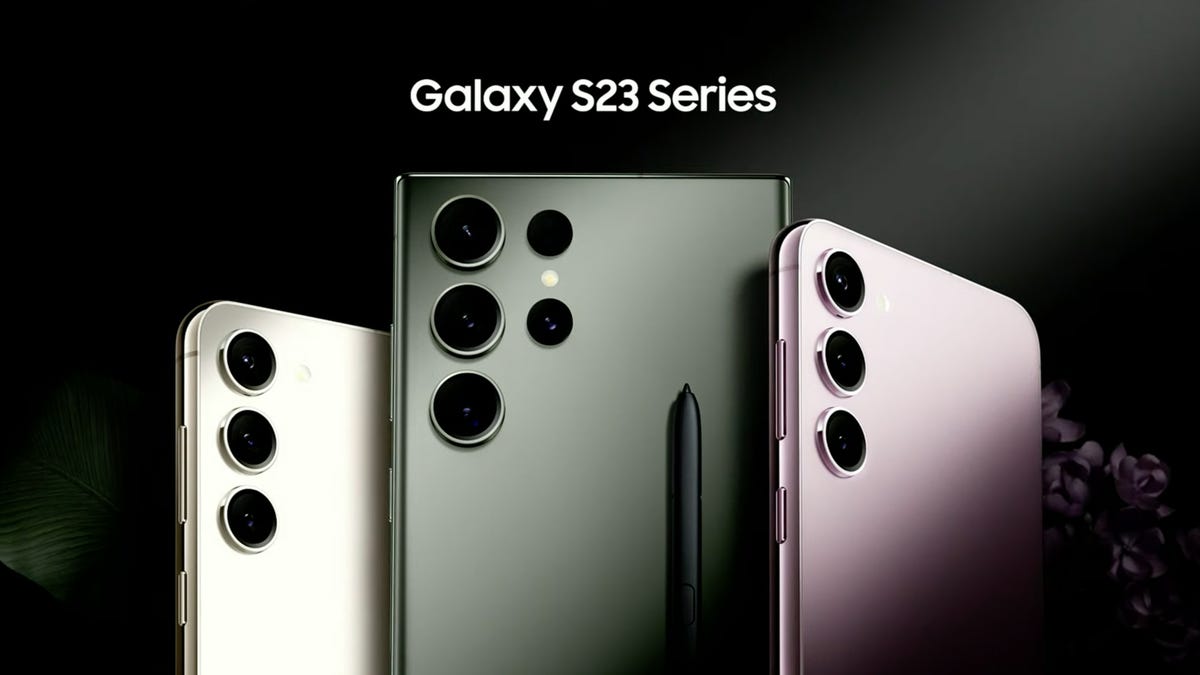
Samsung’s Galaxy S23 Base, Plus, and Ultra: A Spec-By-Spec Comparison of Each Phone

Samsung’s Galaxy S23 Base, Plus, and Ultra: A Spec-By-Spec Comparison of Each Phone

0
Night Court’s Marsha Warfield (And Roz) Are Back and Speak About the Reboot

Night Court’s Marsha Warfield (And Roz) Are Back and Speak About the Reboot

0
Food shortages and strikes by health workers: York in 1974

Food shortages and strikes by health workers: York in 1974

0
FA Cup second-round draw: Wimborne to host Bradford City

FA Cup second-round draw: Wimborne to host Bradford City

9 November 2026
Zoe Kleinman: Nvidia CEO’s affair will cause ripples across US and beyond

Zoe Kleinman: Nvidia CEO’s affair will cause ripples across US and beyond

9 November 2026
Nvidia shares tumble over investigation into Huang’s affair with alleged Chinese spy

Nvidia shares tumble over investigation into Huang’s affair with alleged Chinese spy

9 November 2026
As A Godzilla Megafan, Here’s Why Godzilla Minus Zero Is Better Than Minus One

As A Godzilla Megafan, Here’s Why Godzilla Minus Zero Is Better Than Minus One

9 November 2026

Recent News

FA Cup second-round draw: Wimborne to host Bradford City

FA Cup second-round draw: Wimborne to host Bradford City

9 November 2026
Zoe Kleinman: Nvidia CEO’s affair will cause ripples across US and beyond

Zoe Kleinman: Nvidia CEO’s affair will cause ripples across US and beyond

9 November 2026
Nvidia shares tumble over investigation into Huang’s affair with alleged Chinese spy

Nvidia shares tumble over investigation into Huang’s affair with alleged Chinese spy

9 November 2026
As A Godzilla Megafan, Here’s Why Godzilla Minus Zero Is Better Than Minus One

As A Godzilla Megafan, Here’s Why Godzilla Minus Zero Is Better Than Minus One

9 November 2026
We use cookies on our website to give you the most relevant experience by remembering your preferences and repeat visits. By clicking “Accept All”, you consent to the use of ALL the cookies. However, you may visit "Cookie Settings" to provide a controlled consent.
Cookie SettingsAccept All
Manage consent

Privacy Overview

This website uses cookies to improve your experience while you navigate through the website. Out of these, the cookies that are categorized as necessary are stored on your browser as they are essential for the working of basic functionalities of the website. We also use third-party cookies that help us analyze and understand how you use this website. These cookies will be stored in your browser only with your consent. You also have the option to opt-out of these cookies. But opting out of some of these cookies may affect your browsing experience.
Necessary
Always Enabled
Necessary cookies are absolutely essential for the website to function properly. These cookies ensure basic functionalities and security features of the website, anonymously.
CookieDurationDescription
cookielawinfo-checkbox-analytics11 monthsThis cookie is set by GDPR Cookie Consent plugin. The cookie is used to store the user consent for the cookies in the category "Analytics".
cookielawinfo-checkbox-functional11 monthsThe cookie is set by GDPR cookie consent to record the user consent for the cookies in the category "Functional".
cookielawinfo-checkbox-necessary11 monthsThis cookie is set by GDPR Cookie Consent plugin. The cookies is used to store the user consent for the cookies in the category "Necessary".
cookielawinfo-checkbox-others11 monthsThis cookie is set by GDPR Cookie Consent plugin. The cookie is used to store the user consent for the cookies in the category "Other.
cookielawinfo-checkbox-performance11 monthsThis cookie is set by GDPR Cookie Consent plugin. The cookie is used to store the user consent for the cookies in the category "Performance".
viewed_cookie_policy11 monthsThe cookie is set by the GDPR Cookie Consent plugin and is used to store whether or not user has consented to the use of cookies. It does not store any personal data.
Functional
Functional cookies help to perform certain functionalities like sharing the content of the website on social media platforms, collect feedbacks, and other third-party features.
Performance
Performance cookies are used to understand and analyze the key performance indexes of the website which helps in delivering a better user experience for the visitors.
Analytics
Analytical cookies are used to understand how visitors interact with the website. These cookies help provide information on metrics the number of visitors, bounce rate, traffic source, etc.
Advertisement
Advertisement cookies are used to provide visitors with relevant ads and marketing campaigns. These cookies track visitors across websites and collect information to provide customized ads.
Others
Other uncategorized cookies are those that are being analyzed and have not been classified into a category as yet.
SAVE & ACCEPT
No Result
View All Result

© 2021 Yorkshire Buzz