

















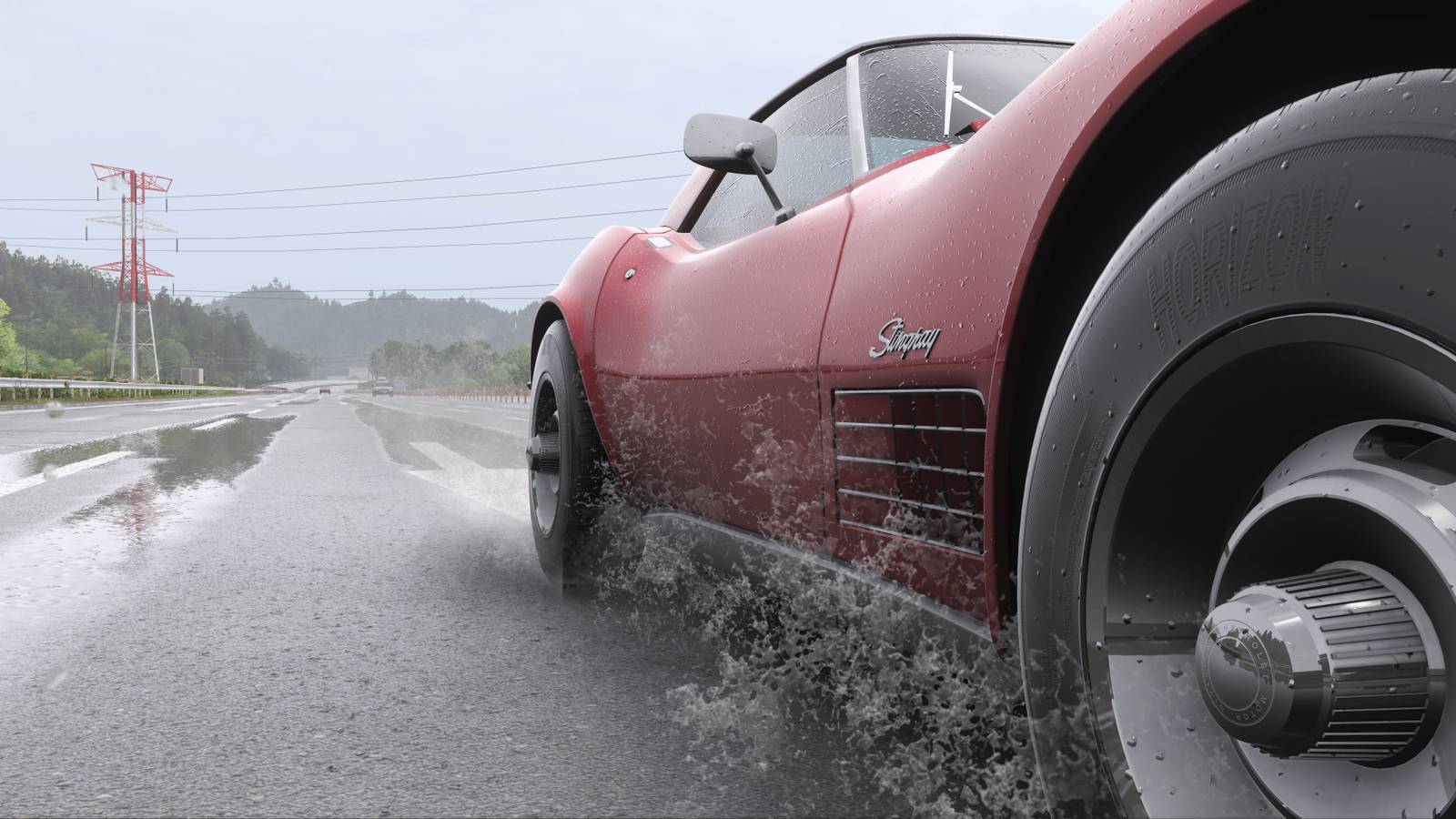

Forza Horizon 6 has a wealth of customization options, each granting you control over exactly how much realism you want to add to your driving experience. One of the primary ways you can change how realistic or arcade-y the game plays is through the car damage option. You can turn car damage on to have a challenging adventure where every collision could spell disaster, or you can turn car damage off for a more laid-back drive through Japan. If you choose the former, though, you may also need to repair your car sometimes.
Repairing your car in Forza Horizon 6 isn’t a particularly difficult thing to do. As a matter of fact, there are multiple quick and straightforward manners in which to get it done. Of course, just note that engaging with any of these repair options means fully resetting your car’s drivability and returning it to its original cosmetic beauty, undoing all that hard work you’ve put into turning it into a scrapyard’s dream. If that’s what you’re after, here’s how to repair cars in Forza Horizon 6.
How To Repair Cars In Forza Horizon 6
The first thing to know about repairing your car in Forza Horizon 6 is that you can only do it while in free-roam. If you’re in a race, you’ll be unable to directly repair any damage you’ve accumulated over the course of the race. However, in these cases, you can opt to use the Rewind feature to go back a little way before any collisions that added damage to your vehicle. There are limits to how far back you can rewind, though, so be mindful to do this as soon as possible if you’re worried about severe damage accumulation.
When you’re in free-roam, there are four main ways to repair your car in Forza Horizon 6. Each one will Let’s go through each one below.
- Fast Travel – Any time you fast-travel on the map, you’ll reset your car’s wear and tear. Simply open the map and click on any road you’ve driven before to fast travel there for a quick fix.
- Start A Race – Starting a race will also reset your car’s damage. After all, it wouldn’t be fair to make you race with a beat-up car.
- Go Home – If you use the in-game menu to return to your house, you’ll find that you arrive with a pristine car. Home is where the heart is.
- Use Photo Mode – You can reset all cosmetic damage in Photo Mode. To use this option, press up on the D-Pad (or P on keyboard) to open Photo Mode, then press LB (or R on keyboard) to reset your damage accumulation.
With your car looking nice again, it’s probably a good time to go ahead and snap some photos of it. Taking photos in Forza Horizon 6 can actually help you gain valuable points toward your overall completion, after all. So, don’t forget to jump into Photo Mode and snap as many pics of other cars, too, to make the most of your exploration.
Forza Horizon 6 is available now on Xbox Series X|S and PC, with a PS5 version slated for a late 2026 release.


- Released
-
May 19, 2026
- ESRB
-
Everyone / Mild Lyrics, Users Interact, In-Game Purchases
- Developer(s)
-
Playground Games
- Publisher(s)
-
Xbox Game Studios
- Multiplayer
-
Online Multiplayer