





















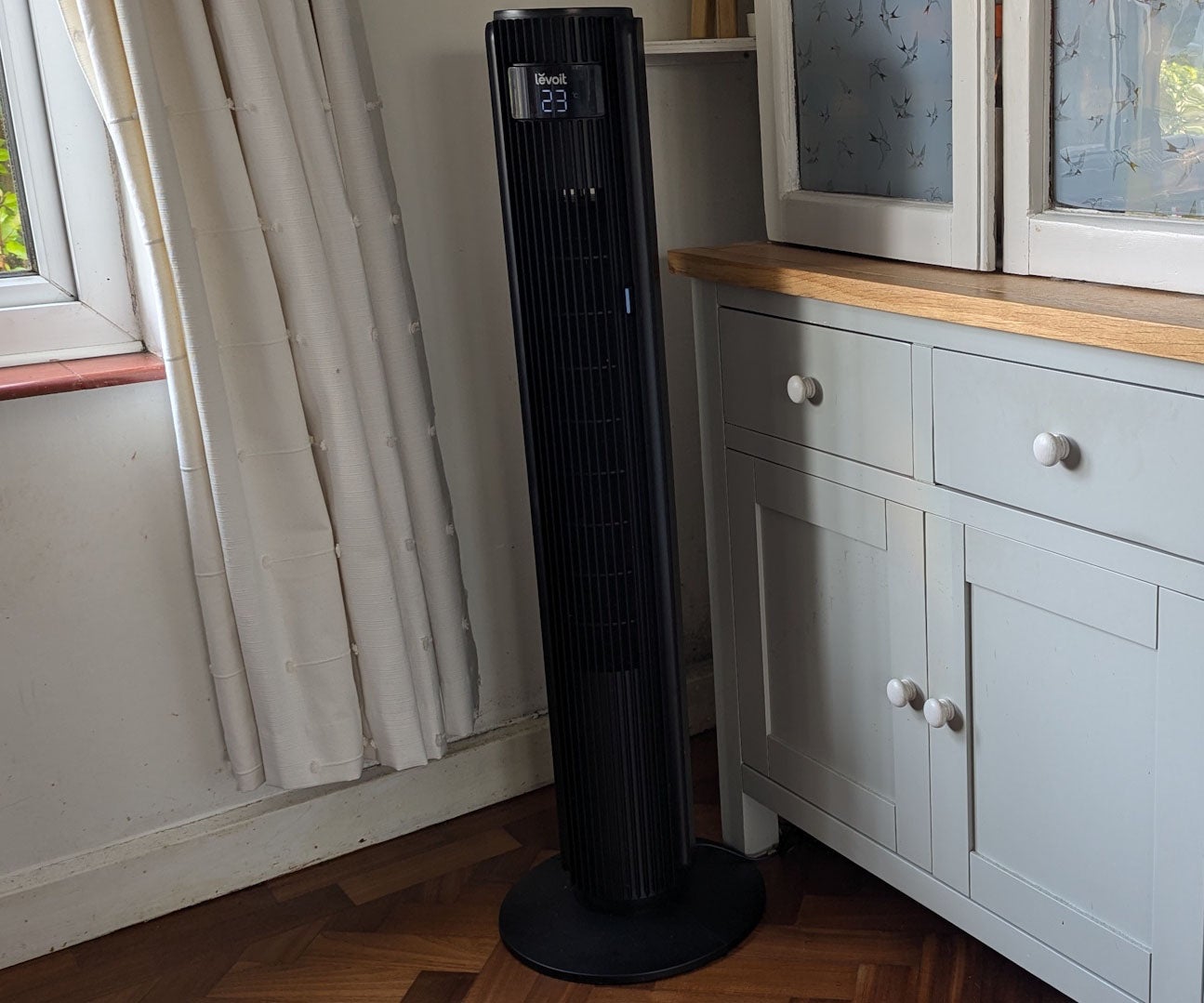
It has to be said that while it looks quite expensive and commanding, the plastics don’t have the premium feel I might expect from a £100 fan. Notably, the column wobbles on its stand if you move it around, or even when you use the touch sensitive controls. However, it doesn’t wobble while the fan’s in action, even when it’s oscillating, and both the remote and touch controls are perfectly intuitive. I’d like to see plus and minus speed controls on the panel, rather than cycling through the speeds with a single button, but otherwise I don’t have any serious complaints.

READ NEXT: Best fans
Levoit Classic Pro Smart Tower Fan review: What features and settings does it have?
The Classic Pro Smart Tower Fan has a strong set of features, including 12 speed settings, Turbo, Auto and Advanced Sleep modes, and a simple timer. It also features adjustable louvres to direct the airflow by up to 30 degrees up or downwards, while the column itself can oscillate left and right through 90 degrees.
The Auto mode sets the fan speed according to the current temperature, keeping things nice and quiet when it’s not too hot. The Turbo mode adds some extra grunt at the expense of added noise, while switching oscillation on. Finally, the Advanced Sleep mode reduces the fan speed while turning off the display, but can still increase or decrease the fan speed as the room temperature ebbs and rises. The timer can’t switch the fan on from standby, but it can turn it off automatically after a period of one to 12 hours.
You can also use the fan through the VeSync smartphone app, which scores high for being easy to set up, with none of the connection issues I’ve seen on some other smart appliances. It’s also very slick and fully-featured. All modes are available and there’s a nifty slider to control the fan speed, and you can also schedule the fan to turn on and off, with specific settings for mode, oscillation, display and speed. You can even set up different schedules for individual days of the week.