





Yorkshire Buzz
Advertisement
  • Home
  • News
    • All
    • Business
    • Politics
    • Science
    • World
    Nvidia shares tumble over investigation into Huang’s affair with alleged Chinese spy

    Nvidia shares tumble over investigation into Huang’s affair with alleged Chinese spy

    Doncaster Rovers: Grant McCann left “hurt” by Kidderminster loss

    Doncaster Rovers: Grant McCann left “hurt” by Kidderminster loss

    Shropshire and Worcestershire soft play centres face challenges

    Shropshire and Worcestershire soft play centres face challenges

    Nvidia launches investigation into CEO’s affair with suspected Chinese spy

    Nvidia launches investigation into CEO’s affair with suspected Chinese spy

    DIY Dalek to be auctioned for Yorkshire Cancer Research

    DIY Dalek to be auctioned for Yorkshire Cancer Research

    NZ election: Unusually gloomy Kiwis deliver tightest election in years

    NZ election: Unusually gloomy Kiwis deliver tightest election in years

    Trending Tags

    • Trump Inauguration
    • White House
  • Tech
    • All
    • Apps
    • Gadget
    • Mobile
    • Startup
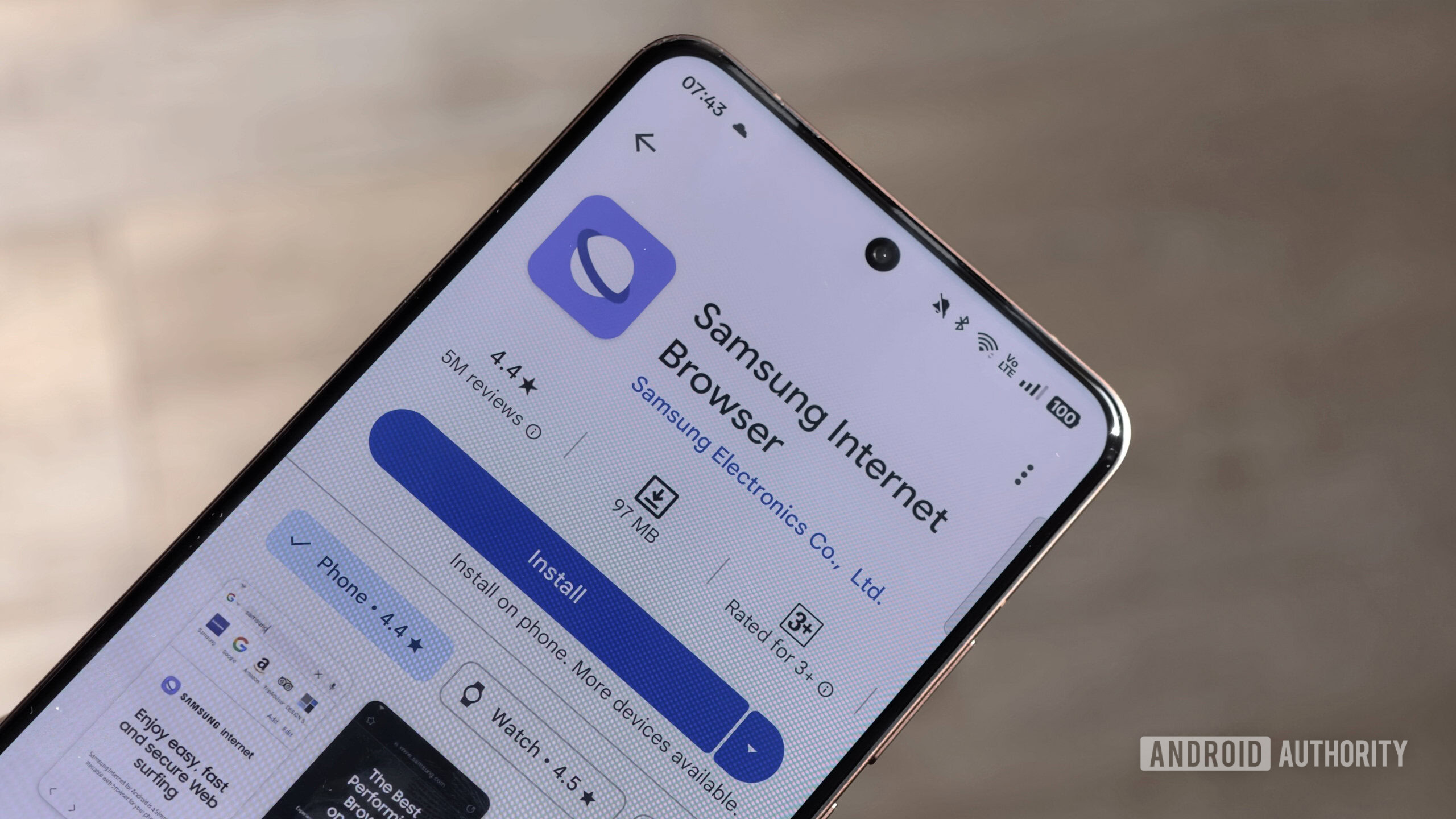
    One UI 9.5 could give Samsung Internet a dedicated desktop mode for DeX users

    One UI 9.5 could give Samsung Internet a dedicated desktop mode for DeX users

    Wendy’s Just Released a Video Game Where You Can Win Fast Food

    Wendy’s Just Released a Video Game Where You Can Win Fast Food

    iPhone Duo vs. Galaxy Z Fold 8 Camera Comparison: Frolicking With Apple’s and Samsung’s Foldables

    iPhone Duo vs. Galaxy Z Fold 8 Camera Comparison: Frolicking With Apple’s and Samsung’s Foldables

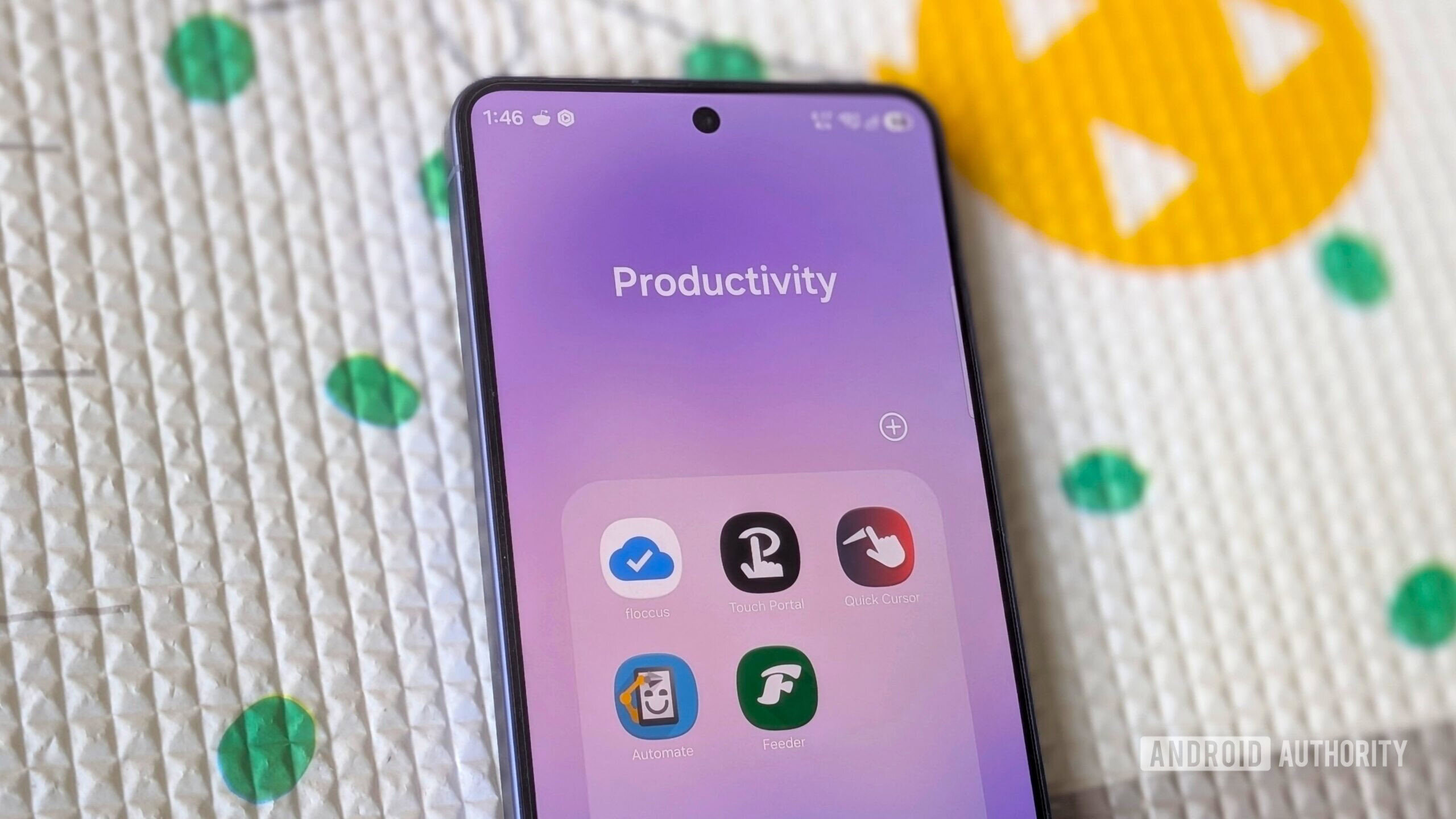
    These 5 productivity apps you’ve never heard of deserve a spot on your phone

    These 5 productivity apps you’ve never heard of deserve a spot on your phone

    The Best Cat Water Fountains of 2026: Petlibro, Petkit, Oneisall

    The Best Cat Water Fountains of 2026: Petlibro, Petkit, Oneisall

    Ecoflow Rapid Pro Power Bank Deal: Save

    Ecoflow Rapid Pro Power Bank Deal: Save $80

    Trending Tags

    • Nintendo Switch
    • Mark Zuckerberg
  • Entertainment
    • All
    • Gaming
    • Movie
    • Music
    • Sports
    As A Godzilla Megafan, Here’s Why Godzilla Minus Zero Is Better Than Minus One

    As A Godzilla Megafan, Here’s Why Godzilla Minus Zero Is Better Than Minus One

    Arsenal set to complete THREE deals before January: report

    Arsenal set to complete THREE deals before January: report

    Lego Is Teasing A Yoshi Set, But You’ll Have To Wait Until 2027

    Lego Is Teasing A Yoshi Set, But You’ll Have To Wait Until 2027

    The Cone Boot Trend Lila Moss Is Wearing With Jeans This Winter

    The Cone Boot Trend Lila Moss Is Wearing With Jeans This Winter

    Keith Thurman details behind the scenes conversation with Terence Crawford on potential comeback

    Keith Thurman details behind the scenes conversation with Terence Crawford on potential comeback

    Anthony Mackie’s International Heist Thriller & More Apple TV Releases This Week

    Anthony Mackie’s International Heist Thriller & More Apple TV Releases This Week

  • Lifestyle
    • All
    • Fashion
    • Food
    • Health
    • Travel
    TECNO Launches CAMON SLIM at THE SLIM SOIREE in Nigeria

    TECNO Launches CAMON SLIM at THE SLIM SOIREE in Nigeria

    Where to Eat in Manila’s Chinatown

    Where to Eat in Manila’s Chinatown

    The Sweatpants Color Chic Postpartum Moms Are Wearing in L.A.

    The Sweatpants Color Chic Postpartum Moms Are Wearing in L.A.

    National Trade Fair 2026 Generates PHP 128.85 Million in Sales, Showcases Filipino Products

    National Trade Fair 2026 Generates PHP 128.85 Million in Sales, Showcases Filipino Products

    Instant Pot Beef Barbacoa Recipe

    Instant Pot Beef Barbacoa Recipe

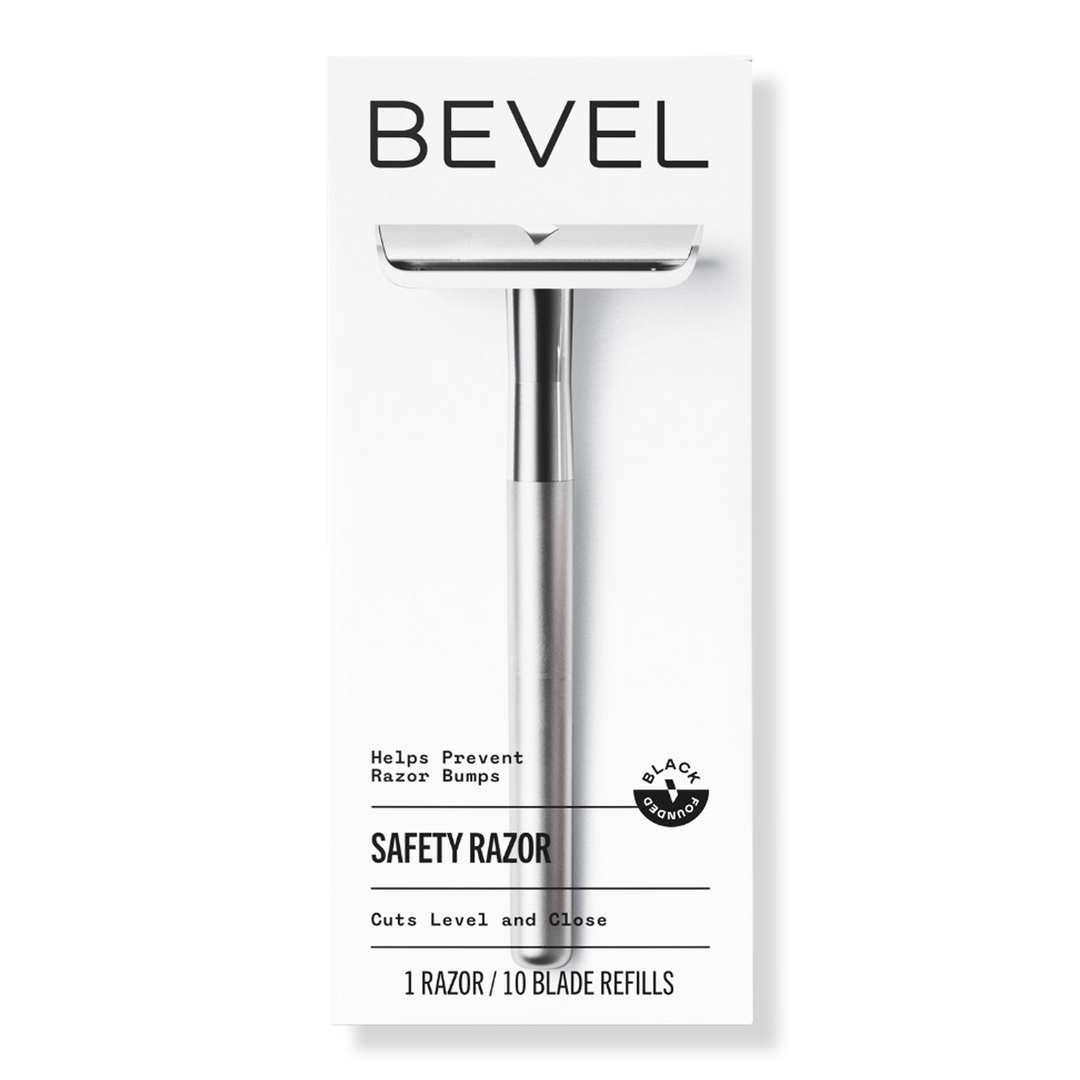
    Tired of Razor Bumps? These 6 Safety Razors Are Worth Trying

    Tired of Razor Bumps? These 6 Safety Razors Are Worth Trying

    Trending Tags

    • Golden Globes
    • Game of Thrones
    • eSports
  • Review
    Oukitel WP63 rugged phone review

    Oukitel WP63 rugged phone review

    The fastest handheld we’ve tested

    The fastest handheld we’ve tested

    Elegoo M1 Ultra 3D Scanner review

    Elegoo M1 Ultra 3D Scanner review

    Asus Googlebook 14 Review – Trusted Reviews

    Asus Googlebook 14 Review – Trusted Reviews

    Movavi Video Editor 27 review

    Movavi Video Editor 27 review

    Paleblue Voyager C USB-C Review

    Paleblue Voyager C USB-C Review

No Result
View All Result
  • Home
  • News
    • All
    • Business
    • Politics
    • Science
    • World
    Nvidia shares tumble over investigation into Huang’s affair with alleged Chinese spy

    Nvidia shares tumble over investigation into Huang’s affair with alleged Chinese spy

    Doncaster Rovers: Grant McCann left “hurt” by Kidderminster loss

    Doncaster Rovers: Grant McCann left “hurt” by Kidderminster loss

    Shropshire and Worcestershire soft play centres face challenges

    Shropshire and Worcestershire soft play centres face challenges

    Nvidia launches investigation into CEO’s affair with suspected Chinese spy

    Nvidia launches investigation into CEO’s affair with suspected Chinese spy

    DIY Dalek to be auctioned for Yorkshire Cancer Research

    DIY Dalek to be auctioned for Yorkshire Cancer Research

    NZ election: Unusually gloomy Kiwis deliver tightest election in years

    NZ election: Unusually gloomy Kiwis deliver tightest election in years

    Trending Tags

    • Trump Inauguration
    • White House
  • Tech
    • All
    • Apps
    • Gadget
    • Mobile
    • Startup
    One UI 9.5 could give Samsung Internet a dedicated desktop mode for DeX users

    One UI 9.5 could give Samsung Internet a dedicated desktop mode for DeX users

    Wendy’s Just Released a Video Game Where You Can Win Fast Food

    Wendy’s Just Released a Video Game Where You Can Win Fast Food

    iPhone Duo vs. Galaxy Z Fold 8 Camera Comparison: Frolicking With Apple’s and Samsung’s Foldables

    iPhone Duo vs. Galaxy Z Fold 8 Camera Comparison: Frolicking With Apple’s and Samsung’s Foldables

    These 5 productivity apps you’ve never heard of deserve a spot on your phone

    These 5 productivity apps you’ve never heard of deserve a spot on your phone

    The Best Cat Water Fountains of 2026: Petlibro, Petkit, Oneisall

    The Best Cat Water Fountains of 2026: Petlibro, Petkit, Oneisall

    Ecoflow Rapid Pro Power Bank Deal: Save

    Ecoflow Rapid Pro Power Bank Deal: Save $80

    Trending Tags

    • Nintendo Switch
    • Mark Zuckerberg
  • Entertainment
    • All
    • Gaming
    • Movie
    • Music
    • Sports
    As A Godzilla Megafan, Here’s Why Godzilla Minus Zero Is Better Than Minus One

    As A Godzilla Megafan, Here’s Why Godzilla Minus Zero Is Better Than Minus One

    Arsenal set to complete THREE deals before January: report

    Arsenal set to complete THREE deals before January: report

    Lego Is Teasing A Yoshi Set, But You’ll Have To Wait Until 2027

    Lego Is Teasing A Yoshi Set, But You’ll Have To Wait Until 2027

    The Cone Boot Trend Lila Moss Is Wearing With Jeans This Winter

    The Cone Boot Trend Lila Moss Is Wearing With Jeans This Winter

    Keith Thurman details behind the scenes conversation with Terence Crawford on potential comeback

    Keith Thurman details behind the scenes conversation with Terence Crawford on potential comeback

    Anthony Mackie’s International Heist Thriller & More Apple TV Releases This Week

    Anthony Mackie’s International Heist Thriller & More Apple TV Releases This Week

  • Lifestyle
    • All
    • Fashion
    • Food
    • Health
    • Travel
    TECNO Launches CAMON SLIM at THE SLIM SOIREE in Nigeria

    TECNO Launches CAMON SLIM at THE SLIM SOIREE in Nigeria

    Where to Eat in Manila’s Chinatown

    Where to Eat in Manila’s Chinatown

    The Sweatpants Color Chic Postpartum Moms Are Wearing in L.A.

    The Sweatpants Color Chic Postpartum Moms Are Wearing in L.A.

    National Trade Fair 2026 Generates PHP 128.85 Million in Sales, Showcases Filipino Products

    National Trade Fair 2026 Generates PHP 128.85 Million in Sales, Showcases Filipino Products

    Instant Pot Beef Barbacoa Recipe

    Instant Pot Beef Barbacoa Recipe

    Tired of Razor Bumps? These 6 Safety Razors Are Worth Trying

    Tired of Razor Bumps? These 6 Safety Razors Are Worth Trying

    Trending Tags

    • Golden Globes
    • Game of Thrones
    • eSports
  • Review
    Oukitel WP63 rugged phone review

    Oukitel WP63 rugged phone review

    The fastest handheld we’ve tested

    The fastest handheld we’ve tested

    Elegoo M1 Ultra 3D Scanner review

    Elegoo M1 Ultra 3D Scanner review

    Asus Googlebook 14 Review – Trusted Reviews

    Asus Googlebook 14 Review – Trusted Reviews

    Movavi Video Editor 27 review

    Movavi Video Editor 27 review

    Paleblue Voyager C USB-C Review

    Paleblue Voyager C USB-C Review

No Result
View All Result
Yorkshire Buzz
No Result
View All Result
Home Tech Mobile

5 Quick Ways to Set Up a VPN for Your Smart TV

by Yorkshire Buzz
17 March 2024
in Mobile
0
5 Quick Ways to Set Up a VPN for Your Smart TV
0
SHARES
7
VIEWS
Share on FacebookShare on Twitter


Whether you’re looking to avoid ISP throttling, keep your streaming viewing habits private or access geographically limited content, adding a VPN to your smart TV can reap some major benefits. And you can easily set up VPN on your smart TV in just a few steps.

CNET Tech Tips logo

Virtual private networks can help in all of those situations, but most smart TVs aren’t compatible with VPNs right out of the box. That said, pretty much any smart TV can be hooked up to a VPN, and even if your TV isn’t of the smart variety, you still might be able to use a VPN with it — provided you have the right equipment.

There are various ways to go about setting up your VPN to work with your TV. But which route you choose to take will depend on your personal preference, technical know-how, budget and what equipment you have access to. We’ll show you some of the ways you can set a VPN up on a TV and highlight why you would want to do so.

Why use a VPN on a TV?

Today’s TVs aren’t just for watching local network programming or cable TV. They’re also for streaming video on demand from your go-to streaming providers. 

The amount of streaming content available today might seem limitless already, but some content is regionally locked. If you’re itching for more, or if the programming you want to watch isn’t available in your country, you can use a VPN on your smart TV to spoof your location to access virtually any of the content you may want. 

If, say, you’re in the UK but you want to stream programming that’s only available in the US, then you can hook your VPN up to your smart TV and connect to a server in the US. Since the VPN changes your IP address to a US IP address in the process, the streaming service you’re visiting will assume you’re in the US and serve up American programming, even if you’re across the Atlantic. Just make sure to check with your streaming service of choice to confirm that using a VPN doesn’t violate its terms of service. You don’t want to risk losing access to your streaming account for any reason. 

Even if unblocking geo-restricted video content on your smart TV isn’t of particular interest to you, you may want to use a VPN on your TV as a way of preventing your ISP from being able to monitor your viewing habits or keep track of the internet activity being generated by your smart TV. 

When you connect to a VPN, you establish an encrypted connection between your device and the internet via a VPN server in a remote location. This means that all of the internet traffic you’re transmitting through that encrypted VPN connection is hidden from any entity with an intent to monitor your activity, including your ISP. When you hook up a VPN to your TV and connect to a VPN server, your ISP won’t be able to see what you’re watching or otherwise decipher any of the internet activity transmitted or received by your TV.

How to set up a VPN on a smart TV

Like any software or service, your first step here is to work backward from what’s available for your operating system. The most VPN-friendly smart TV OSes are Amazon Fire TV and Google’s Android TV and Google TV platforms. That said, if you use Roku, Apple TV or the built-in operating systems for Samsung, Vizio, LG or any other platform, you still have options. 

Here are a few of the most practical ways you can go about hooking up a VPN to your smart TV. 

If you have a Fire TV

If you have one of Amazon’s new Fire TVs, you’ll be able to download your VPN directly to your TV, provided your VPN offers a Fire TV app. Not all VPNs offer compatibility with Amazon Fire devices, so you’ll need to pick one that does if you decide to go this route. The VPNs we recommend that are compatible with Amazon Fire devices include Surfshark, NordVPN and ExpressVPN. If you don’t already subscribe to one of those VPN providers, then go ahead and sign up and download the provider’s app from the Amazon Appstore. (All three offer a 30-day money-back guarantee, so you can try each one risk-free to see which one works best for you).

Once you’ve downloaded the app and signed into your VPN account through your Amazon Fire TV, you can connect to a VPN server. As long as you’re connected to the VPN on your Fire TV, you can unblock streaming content and hide your viewing habits from your ISP.

If you have an Android/Google TV

Similarly, if your smart TV runs on Google’s Android operating system, then you can set up a VPN on your TV by simply downloading your VPN’s app from the Play Store directly onto your TV. And even though Google is in the midst of rebranding Android TV as it transitions to a slicker, more user-friendly platform in Google TV, you’ll still be able to access Android apps in the Play Store after you’ve upgraded to Google TV since it still runs Android under the hood. 

What you’ll need to do first is to get a VPN that works on Android, if you don’t have one already. Then, navigate over to the Play Store on your Google TV, search for your VPN provider’s app and download it. Once you’ve downloaded the VPN app to your TV, sign in and connect to a VPN server. 

If you want to unblock US-only content, then you’ll need to connect to a VPN server in the US, or to a server in the UK for UK-only content, and so on. If all you want to do is protect your TV watching privacy and prevent your ISP or other entities from monitoring your viewing activity, then we’d recommend connecting to a VPN server closest to your physical location, in order to achieve optimal connection speeds through your VPN. 

A potentially more difficult (and more expensive) way to add VPN to a smart TV

If your TV doesn’t run on the Android operating system, then one of the ways you can set up a VPN on your smart TV is by running a VPN connection through a router. But proceed with caution. Not all routers support VPN connections, so if you don’t already have one, you’ll need to purchase a compatible router — which can get pricey if you want a router that can handle the VPN connection and deliver a smooth streaming experience. Also, installing a VPN on your router (even if it is compatible) won’t necessarily be plug-and-play, and you risk ruining your router or voiding its warranty if you botch the installation process. 

Fortunately, the best VPN providers on the market do offer step-by-step instructions for router installations for a variety of VPN-compatible router models in their help sections and have support staff on hand to help you. So you don’t have to go it alone completely, but the process still isn’t entirely risk-free. If you don’t want to complete the install yourself, some VPNs, through a company called FlashRouters, are happy to sell you routers with VPN compatibility already preinstalled on them. This could be the way to go if you don’t want to risk installing it yourself, but keep in mind that you’ll be paying a premium of probably about $100 to $150 over and above retail for your preconfigured VPN router.

So, once you’ve got your VPN successfully installed on your router and configured it with the servers you intend to use, you can go ahead and connect to a VPN server through your router firmware’s dashboard. You’ll want to make sure your TV is connected to your VPN router to ensure it’s using the VPN connection and you’re able to unblock the content you want and keep your TV viewing activity private.

Read more: The Pros and Cons of Using a VPN on a Router

The resourceful way to share your VPN with your smart TV

If you don’t have a Google TV or a VPN-compatible router, and don’t intend to purchase either, you can use the equipment you have on hand to share your VPN connection with your smart TV. 

You could accomplish this by running an ethernet cable from your computer to your smart TV. But on top of stringing a long wire from computer to TV, this method may require additional adapters, depending on what kinds of devices you have. Once you’ve got the connection between your TV and computer established, then connect to a VPN server on your computer and you’re all set. The wired connection may not be the most practical solution, but it’s an option. 

The simplest and most practical way to go about this would be to use your laptop or desktop as a Wi-Fi hotspot and connect your TV to your computer wirelessly. 

Note that if you’re using MacOS, you’ll need to manually set up the VPN on your Mac using either the L2TP or IKEv2 VPN protocol and connect your Mac to your router via an ethernet cable to share your VPN connection over Wi-Fi. Your VPN provider will have specific instructions on how to manually set up its service on your Mac. 

On Windows:

  • Go to Settings -> Network & Internet -> Mobile hotspot.
  • Click on Edit to set a network name and password for your hotspot.
  • Select Wi-Fi under Share my internet connection over.
  • Toggle the Mobile hotspot to the On position under Share my internet connection with other devices.
  • Connect your smart TV to the hotspot you just created as you would any other Wi-Fi network and connect to your VPN on your PC.

On Mac:

  • Connect your Mac to your Wi-Fi router using an Ethernet cable (use an adapter if your Mac doesn’t have an Ethernet port).
  • Go to System Preferences -> Sharing.
  • Click on Internet Sharing in the left panel.
  • Select your VPN connection from the Share your connection from dropdown.
  • In the To computers using box, check Wi-Fi.
  • Click on Wi-Fi Options in the bottom-right corner.
  • Set a network name and password for your hotspot, select WPA2 Personal in the Security field and click OK.
  • Click on the box next to Internet Sharing in the left panel and click Start in the dialogue box that pops up.
  • Connect your TV to the Wi-Fi hotspot you just created as you would any other Wi-Fi network and connect to your VPN on your Mac.

The ‘I don’t have a smart TV’ way to add VPN

Even if you don’t have a smart TV, you’re in luck because you can set a VPN up on it if you’re able to connect a streaming device like a Roku, Amazon Firestick or Google Chromecast to the TV. These ingenious little devices essentially turn any TV with an HDMI port into a smart TV, at a much lower cost than an actual smart TV. 

Basically, you can use the methods listed above to connect a VPN to your TV — and if you go with Chromecast with Google TV or Amazon Firestick then you can download the VPN directly via the Play Store or the Amazon Appstore, respectively. The only difference is that you’ll use your streaming device’s interface to connect to the VPN instead of directly via your TV interface. You’ll still get all the privacy and unblocking benefits that a VPN offers if you decide to take this route, but only for content you watch through your streaming device. 
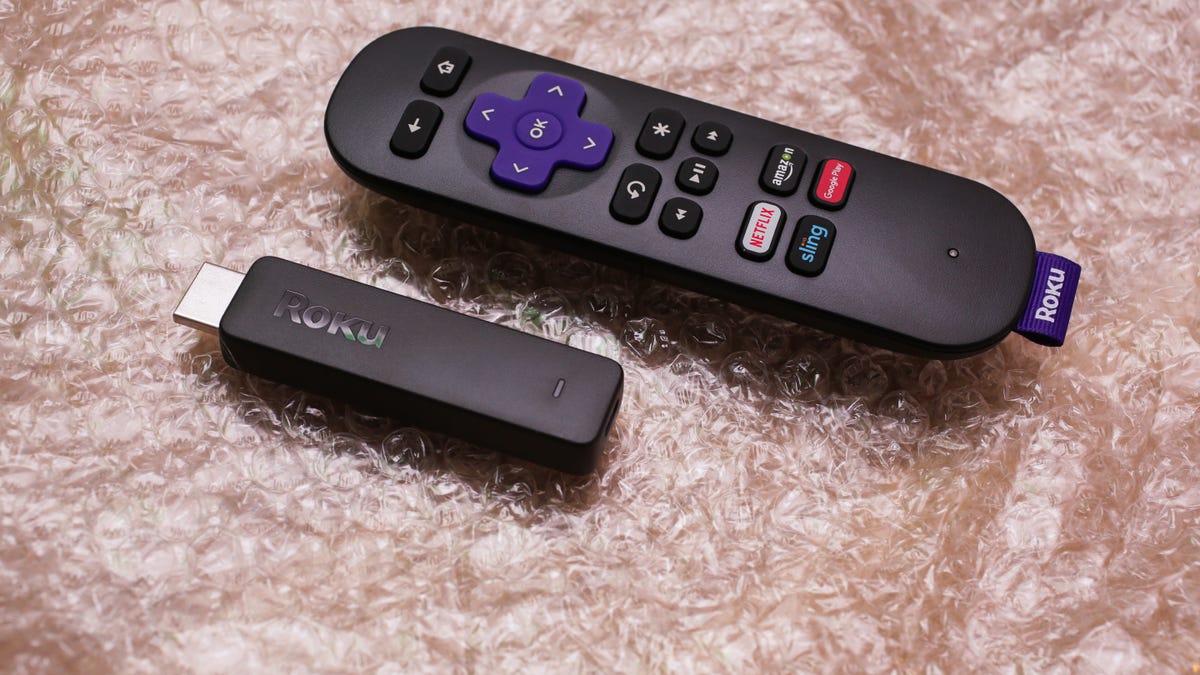
Roku stick and remote

Streaming devices like the ones offered by Roku and others can turn your ordinary TV into a smart TV.

Sarah Tew/CNET

Next steps for adding VPN to your smart TV

When you’re thinking about setting up a VPN on your smart TV, there are a few things to consider. First of all, you’ll want a VPN that provides fast speeds that are sufficient in supplying a smooth streaming experience free of buffering. You’ll also want to make sure the VPN you select has servers located in the countries you want to unblock content from. 

If you have a Google TV and intend to download the VPN app to your TV from the Play Store, then the VPN you go with will need to be Android-compatible. And your VPN will need to be Amazon Fire TV-compatible if you want to run the VPN directly on your Amazon Fire TV. 

If you’d rather run the VPN through your router and connect your TV that way, then it’s important to make sure your VPN supports router connections and has router setup guides that include your router of choice. It doesn’t hurt for your VPN to have helpful, knowledgeable technical support, either, in case you need assistance with your setup. 

You’ll also want your VPN to provide the privacy protections necessary to keep your viewing habits private and safe from prying eyes. 

The VPNs we recommend that fit the bill and check all those boxes include ExpressVPN, Surfshark, and NordVPN. Any of those options will get the job done for your unblocking and privacy needs on your smart TV.






Source link

Tags: QuicksetSmartVPNWays
Previous Post

Oxford City 0-2 FC Halifax Town

Next Post

Cockney Rebel’s Steve Harley Dead at 73

Yorkshire Buzz

Next Post
Cockney Rebel’s Steve Harley Dead at 73

Cockney Rebel’s Steve Harley Dead at 73

Leave a Reply Cancel reply

Your email address will not be published. Required fields are marked *

  • Trending
  • Comments
  • Latest
George McEachran: Chesterfield sign ex-Grimsby midfielder

George McEachran: Chesterfield sign ex-Grimsby midfielder

24 June 2026
Ticket prices set to rise by 15p as Heathrow able to recover runway project money

Ticket prices set to rise by 15p as Heathrow able to recover runway project money

29 July 2026
Best Minecraft seeds 2026 – updated for 26.1

Best Minecraft seeds 2026 – updated for 26.1

24 May 2026
All Of Beth Dutton’s Scars, Explained

All Of Beth Dutton’s Scars, Explained

23 May 2026
Doctor Who’s Christmas Special Features The Coolest Teletubbies Connection Yet, And I’m Still Shocked

Doctor Who’s Christmas Special Features The Coolest Teletubbies Connection Yet, And I’m Still Shocked

0
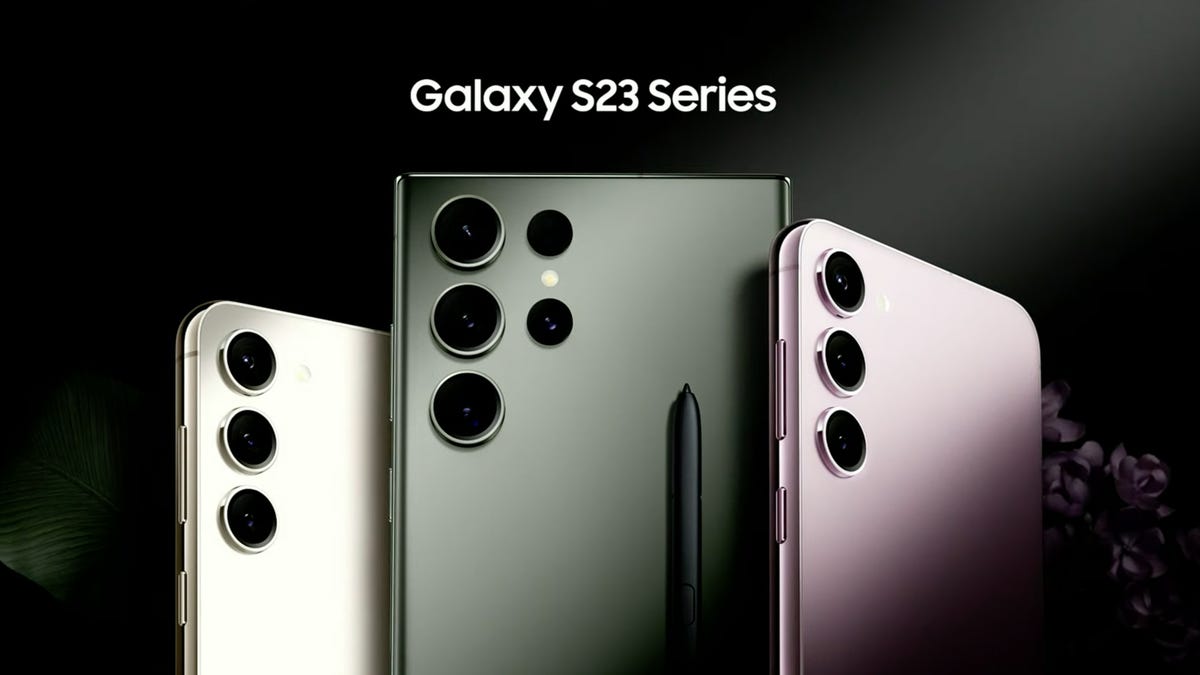
Samsung’s Galaxy S23 Base, Plus, and Ultra: A Spec-By-Spec Comparison of Each Phone

Samsung’s Galaxy S23 Base, Plus, and Ultra: A Spec-By-Spec Comparison of Each Phone

0
Night Court’s Marsha Warfield (And Roz) Are Back and Speak About the Reboot

Night Court’s Marsha Warfield (And Roz) Are Back and Speak About the Reboot

0
Food shortages and strikes by health workers: York in 1974

Food shortages and strikes by health workers: York in 1974

0
Nvidia shares tumble over investigation into Huang’s affair with alleged Chinese spy

Nvidia shares tumble over investigation into Huang’s affair with alleged Chinese spy

9 November 2026
As A Godzilla Megafan, Here’s Why Godzilla Minus Zero Is Better Than Minus One

As A Godzilla Megafan, Here’s Why Godzilla Minus Zero Is Better Than Minus One

9 November 2026
Arsenal set to complete THREE deals before January: report

Arsenal set to complete THREE deals before January: report

9 November 2026
Lego Is Teasing A Yoshi Set, But You’ll Have To Wait Until 2027

Lego Is Teasing A Yoshi Set, But You’ll Have To Wait Until 2027

9 November 2026

Recent News

Nvidia shares tumble over investigation into Huang’s affair with alleged Chinese spy

Nvidia shares tumble over investigation into Huang’s affair with alleged Chinese spy

9 November 2026
As A Godzilla Megafan, Here’s Why Godzilla Minus Zero Is Better Than Minus One

As A Godzilla Megafan, Here’s Why Godzilla Minus Zero Is Better Than Minus One

9 November 2026
Arsenal set to complete THREE deals before January: report

Arsenal set to complete THREE deals before January: report

9 November 2026
Lego Is Teasing A Yoshi Set, But You’ll Have To Wait Until 2027

Lego Is Teasing A Yoshi Set, But You’ll Have To Wait Until 2027

9 November 2026
We use cookies on our website to give you the most relevant experience by remembering your preferences and repeat visits. By clicking “Accept All”, you consent to the use of ALL the cookies. However, you may visit "Cookie Settings" to provide a controlled consent.
Cookie SettingsAccept All
Manage consent

Privacy Overview

This website uses cookies to improve your experience while you navigate through the website. Out of these, the cookies that are categorized as necessary are stored on your browser as they are essential for the working of basic functionalities of the website. We also use third-party cookies that help us analyze and understand how you use this website. These cookies will be stored in your browser only with your consent. You also have the option to opt-out of these cookies. But opting out of some of these cookies may affect your browsing experience.
Necessary
Always Enabled
Necessary cookies are absolutely essential for the website to function properly. These cookies ensure basic functionalities and security features of the website, anonymously.
CookieDurationDescription
cookielawinfo-checkbox-analytics11 monthsThis cookie is set by GDPR Cookie Consent plugin. The cookie is used to store the user consent for the cookies in the category "Analytics".
cookielawinfo-checkbox-functional11 monthsThe cookie is set by GDPR cookie consent to record the user consent for the cookies in the category "Functional".
cookielawinfo-checkbox-necessary11 monthsThis cookie is set by GDPR Cookie Consent plugin. The cookies is used to store the user consent for the cookies in the category "Necessary".
cookielawinfo-checkbox-others11 monthsThis cookie is set by GDPR Cookie Consent plugin. The cookie is used to store the user consent for the cookies in the category "Other.
cookielawinfo-checkbox-performance11 monthsThis cookie is set by GDPR Cookie Consent plugin. The cookie is used to store the user consent for the cookies in the category "Performance".
viewed_cookie_policy11 monthsThe cookie is set by the GDPR Cookie Consent plugin and is used to store whether or not user has consented to the use of cookies. It does not store any personal data.
Functional
Functional cookies help to perform certain functionalities like sharing the content of the website on social media platforms, collect feedbacks, and other third-party features.
Performance
Performance cookies are used to understand and analyze the key performance indexes of the website which helps in delivering a better user experience for the visitors.
Analytics
Analytical cookies are used to understand how visitors interact with the website. These cookies help provide information on metrics the number of visitors, bounce rate, traffic source, etc.
Advertisement
Advertisement cookies are used to provide visitors with relevant ads and marketing campaigns. These cookies track visitors across websites and collect information to provide customized ads.
Others
Other uncategorized cookies are those that are being analyzed and have not been classified into a category as yet.
SAVE & ACCEPT
No Result
View All Result

© 2021 Yorkshire Buzz